Actions (for Windows users)
186
If the [Convert to Searchable PDF] check box is selected in the [Scan to Google
Docs(TM) - Options] dialog box in step
3., text recognition is performed according to
the [OCR options] settings in the [Scan to Google Docs(TM) - Options] dialog box.
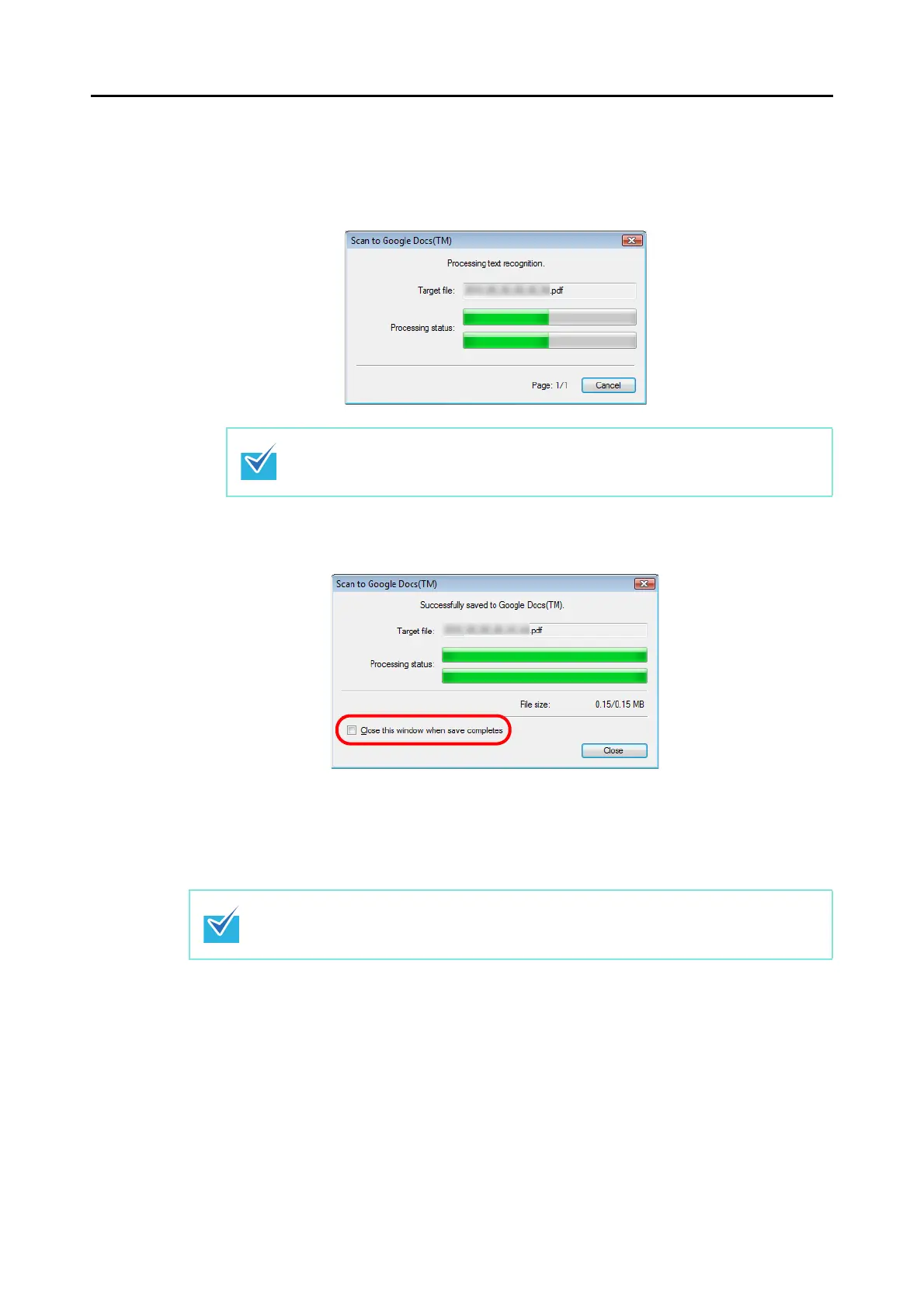
The following dialog box is displayed during text recognition.
The following dialog box appears when saving starts. Click the [Close] button to
close the [Scan to Google Docs(TM)] dialog box when the saving completes.
When you select the [Close this window after save completes] check box in the
[Scan to Google Docs(TM) dialog box, from next scanning on, the [Scan to Google
Docs(TM) dialog box automatically closes after the PDF file is saved to Google
Docs.
Text recognition will be performed if there are any pages containing text which is not
yet recognized. Note that text recognition will be performed on those pages only.
Google Docs does not start up after the saving has completed. To check the saved PDF file,
start a web browser and log in to Google Docs.



 To Next Page
 Loading...













