Using the ScanSnap in Various Ways (for Windows users)
203
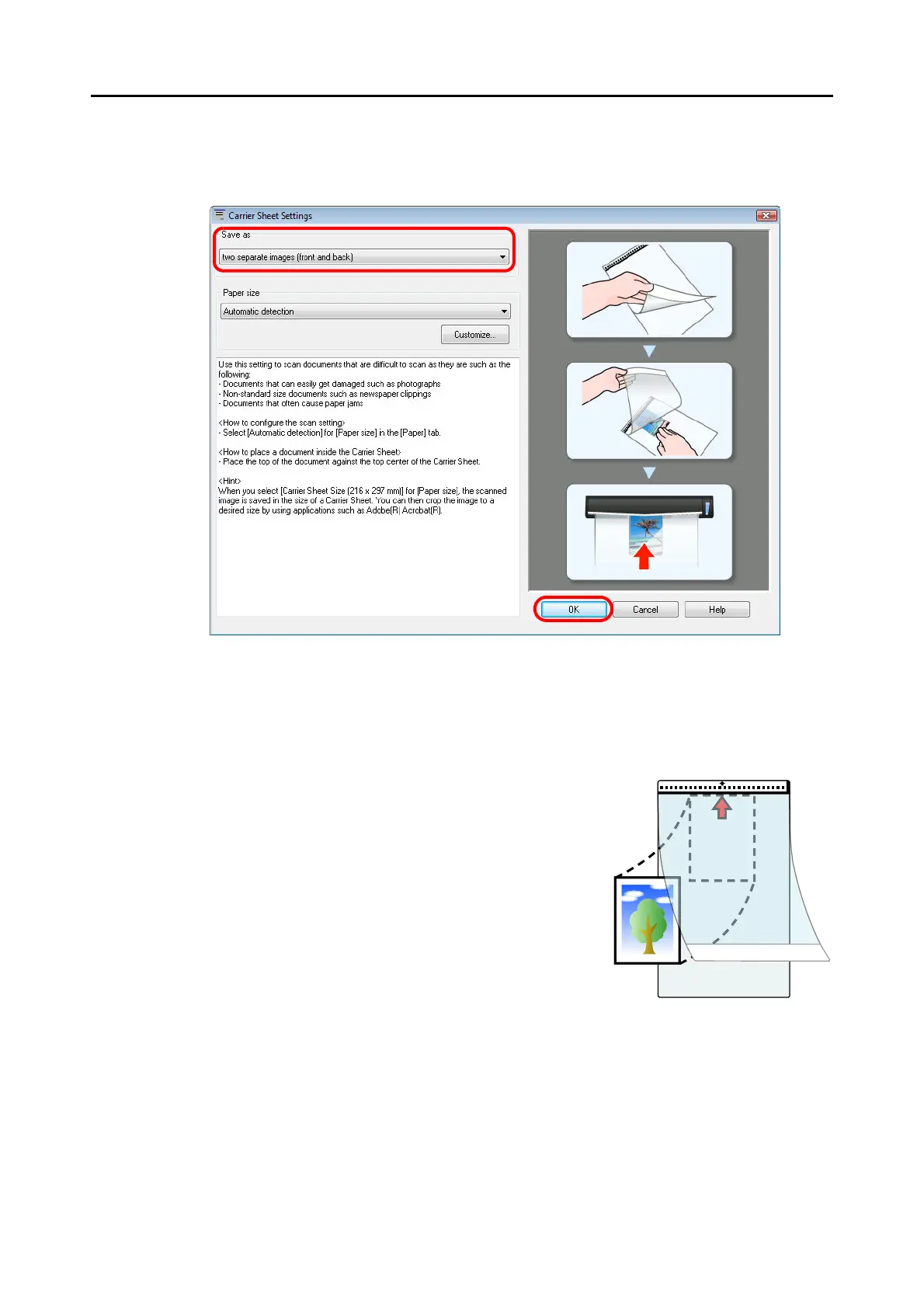
3. Select [two separate images (front and back)] in [Save as].
For details about the Carrier Sheet settings, refer to the ScanSnap Manager Help.
4. Click the [OK] button to close all open dialog boxes.
5. Place the document inside the Carrier Sheet.
Open the Carrier Sheet and place the top of the
document against the top center of the Carrier Sheet.



 To Next Page
 Loading...













