How to Perform a Scan (for Mac OS users)
234
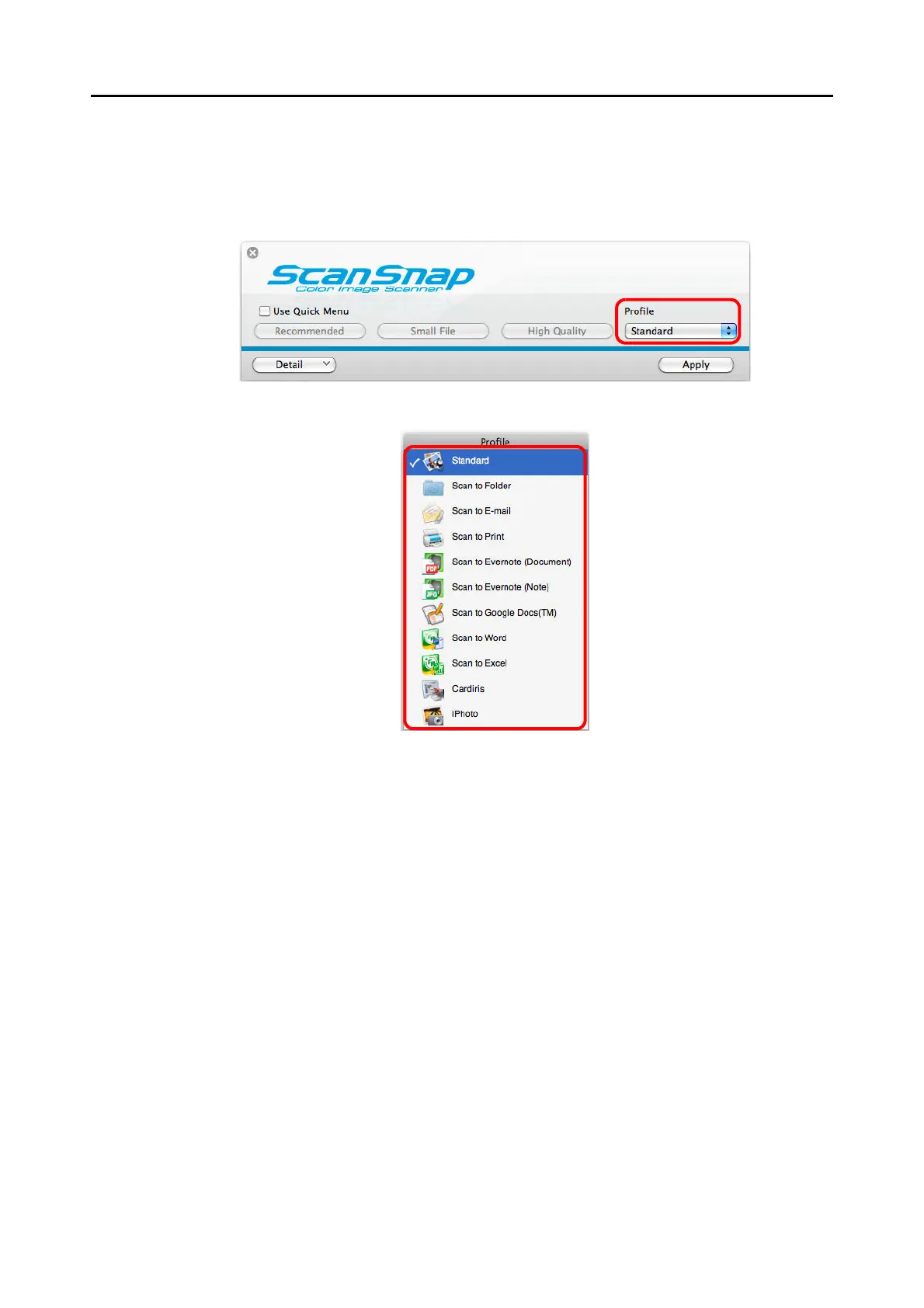
3. Select a profile.
Select a profile from either of the following:
z [Profile] pop-up menu in the ScanSnap setup window
z Profile menu
4. Load the document in the ScanSnap.
For details about how to load documents, refer to
"How to Load Documents" (page 30).















 To Next Page