Using the ScanSnap in Various Ways (for Mac OS users)
337
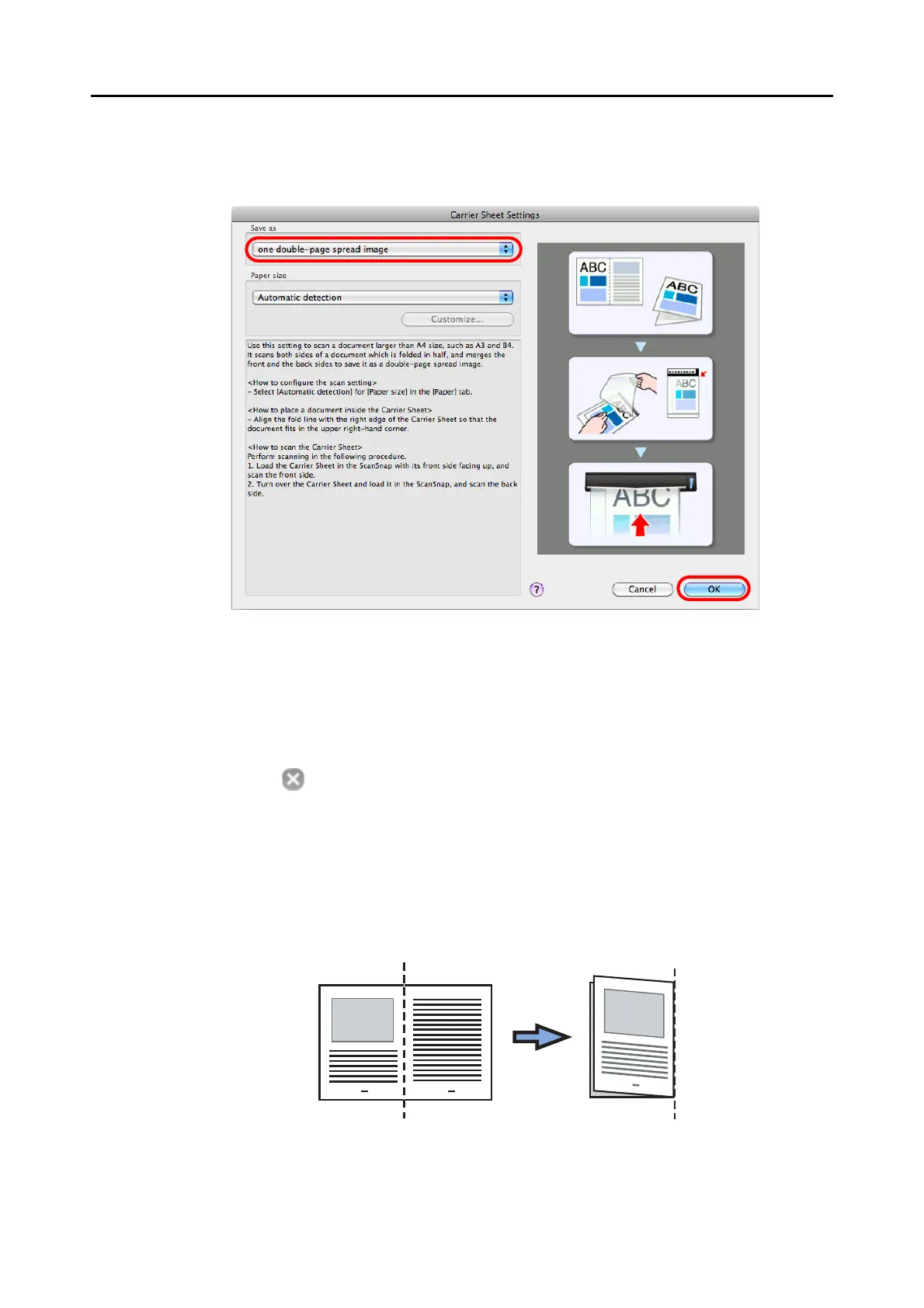
3. Select [one double-page spread image] in [Save as].
For details about the Carrier Sheet settings, refer to the ScanSnap Manager Help.
4. Click the [OK] button to close the [Carrier Sheet Settings] window.
5. Click the [Apply] button in the ScanSnap setup window.
6. Click the [ ] button in the upper left corner to close the ScanSnap
setup window.
7. Place the document inside the Carrier Sheet.
1. Fold the document in half so that the sides to be scanned are facing out.
Fold it tightly and smooth out any creases.



 To Next Page
 Loading...













