Updating ScanSnap Manager
367
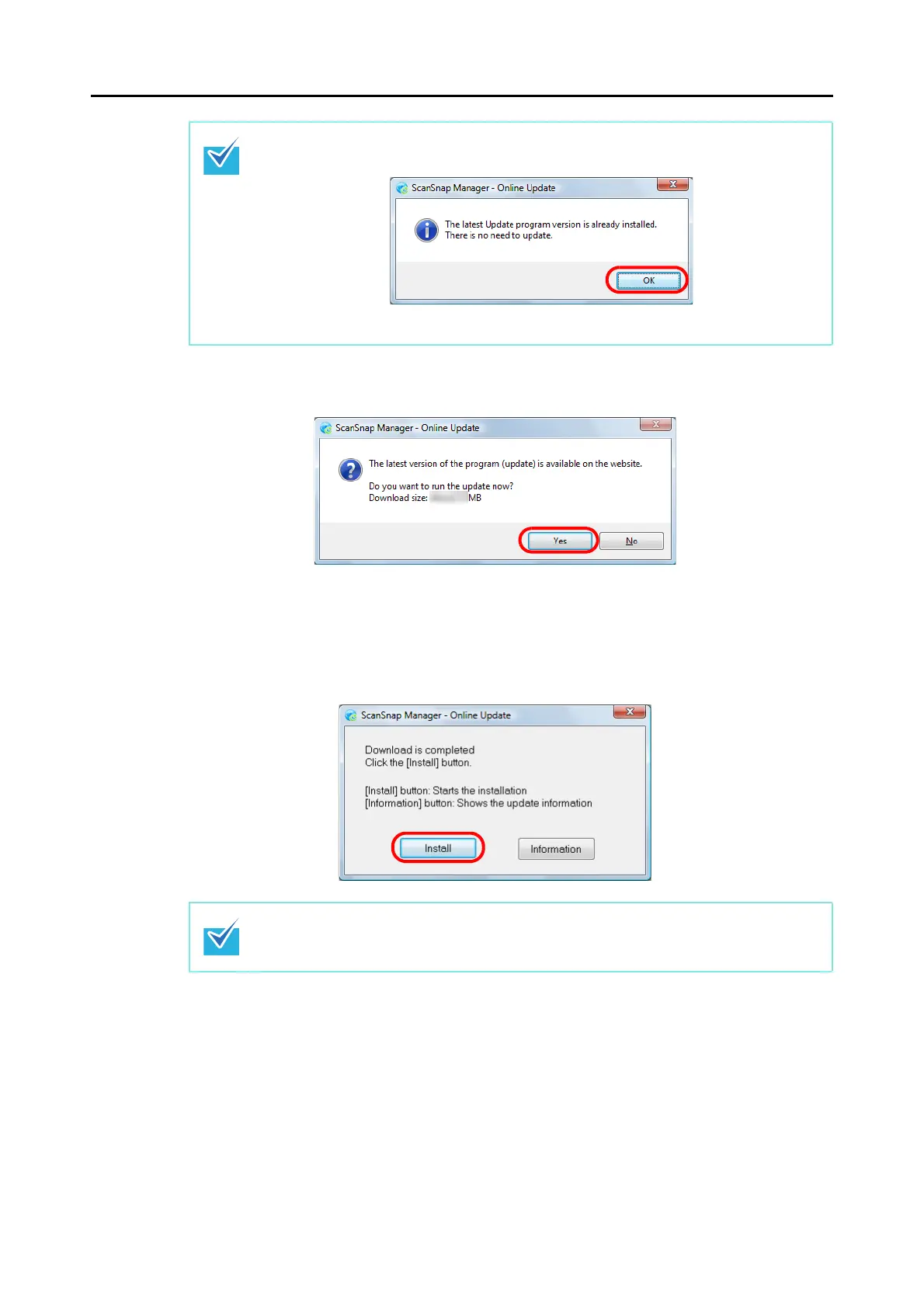
3. Click the [Yes] button.
The program is downloaded, and a confirmation message to start the installation
appears.
4. Click the [Install] button.
Installation starts, and the ScanSnap Manager installer starts up.
Follow the instructions on the screen to continue with the installation.
If the latest version of ScanSnap Manager is already installed, the message below
appears.
Click the [OK] button to close the message.
When you click the [Information] button, Internet Explorer which displays information about
the latest update for ScanSnap Manager opens.



 To Next Page
 Loading...













