Installing in Windows
39
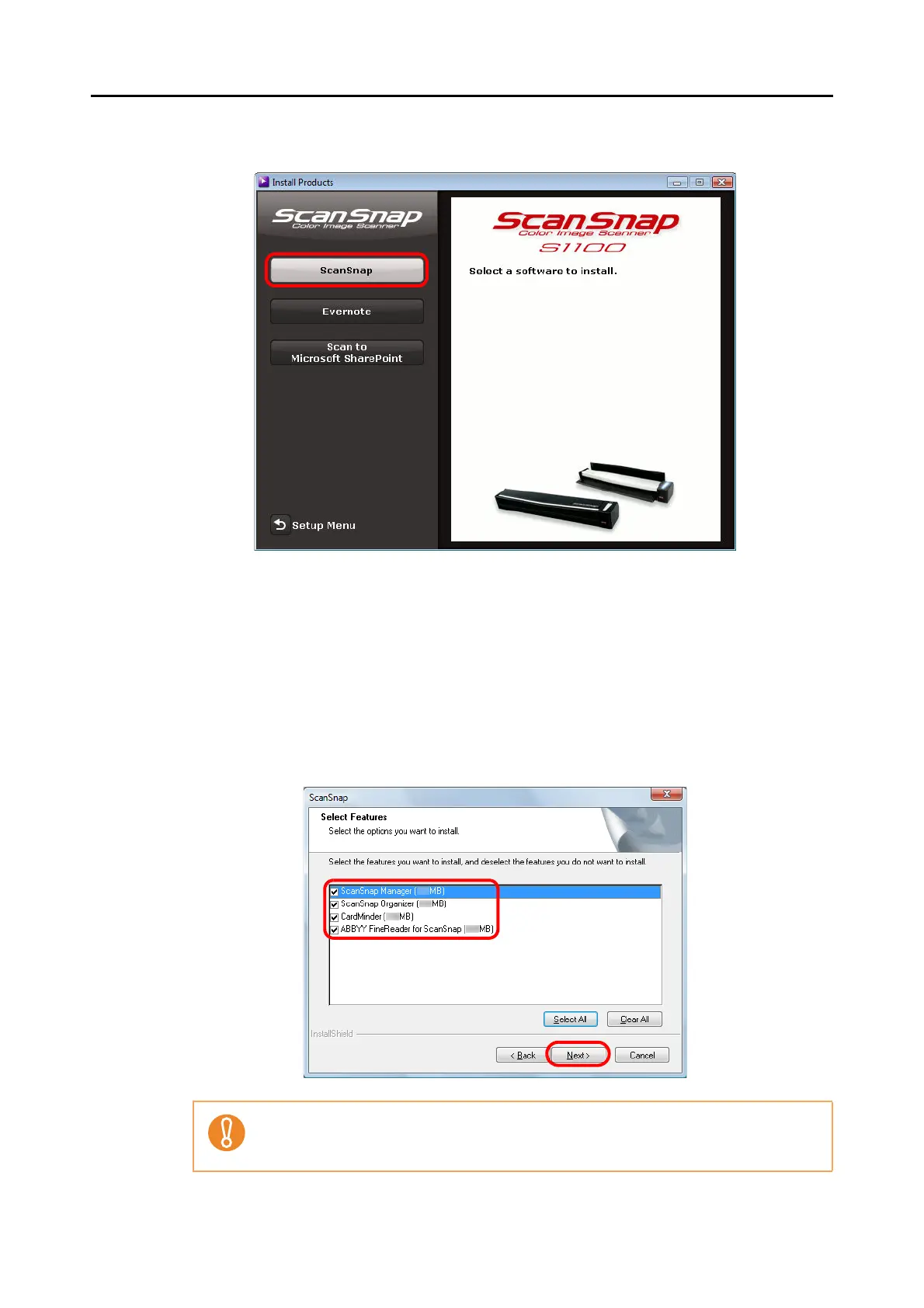
4. Click the [ScanSnap] button.
The [ScanSnap] dialog box appears, displaying the [Welcome to the InstallShield
Wizard for ScanSnap] screen.
5. Click the [Next] button.
The [Select Features] screen appears.
6. Confirm that all check boxes are selected, and click the [Next] button.
z The software will not be installed unless the check box is selected.
z Note that you must install ScanSnap Manager. Also, it is recommended to install all
software in order to utilize the features of the ScanSnap.



 To Next Page
 Loading...













