Configuring ScanSnap Manager (for Windows users)
86
4. When you finish changing the settings for the selected profile, click the
[OK] button.
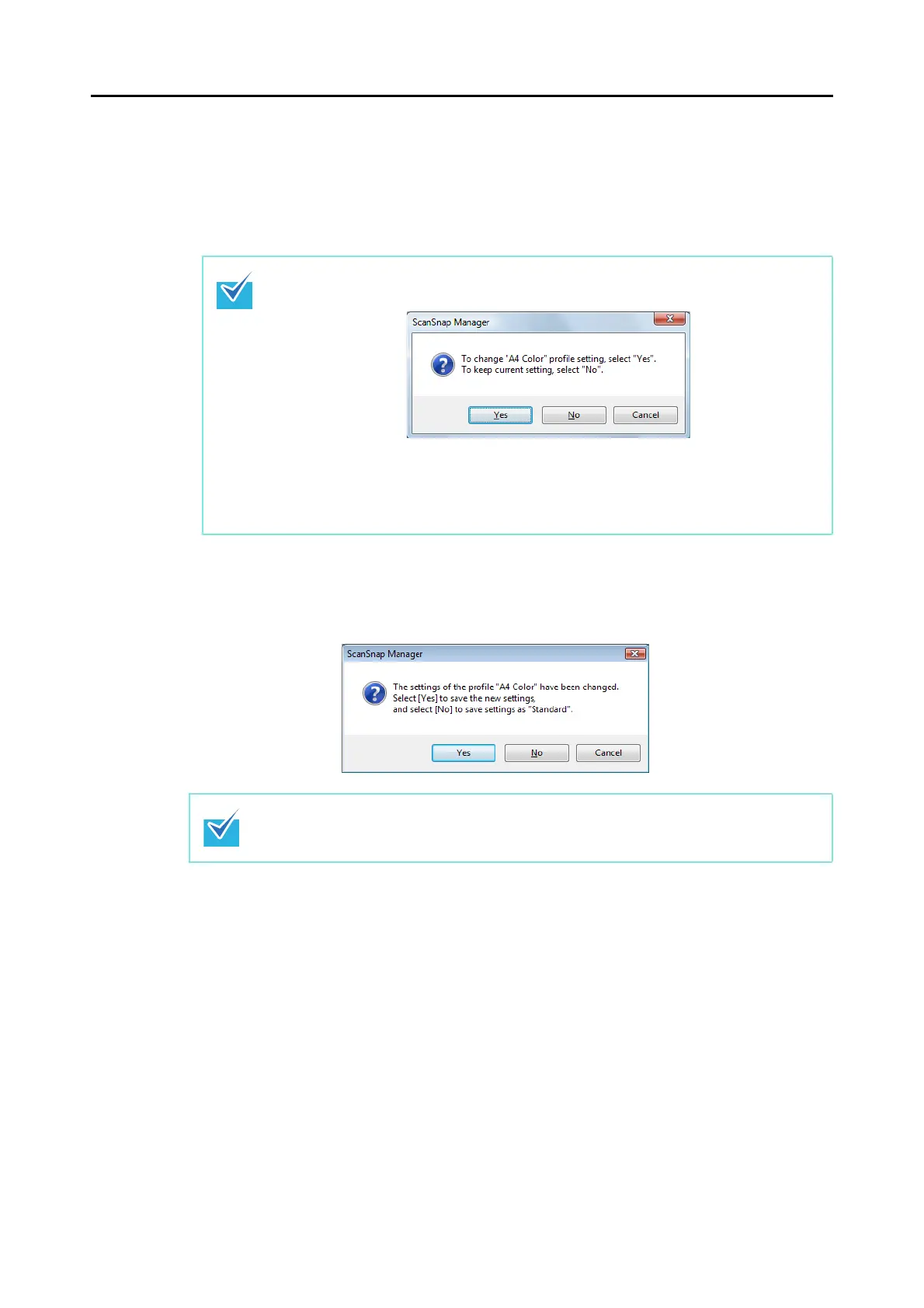
A confirmation message appears asking if you want to overwrite the current profile
settings.
5. To overwrite the profile, click the [Yes] button. To save the settings as
"Standard", click the [No] button.
If you select another profile from the [Profile] drop-down list before clicking the [OK]
button, the following message appears.
When you click the [Yes] button, the modified settings are overwritten and the profile
switches to the one you selected from the [Profile] drop-down list.
When you click the [No] button, the modified settings are canceled and the profile
switches to the one you selected from the [Profile] drop-down list.
The confirmation message does not appear when the [Standard] profile is selected in step
2.


 To Next Page
 Loading...














