Security Settings Panel
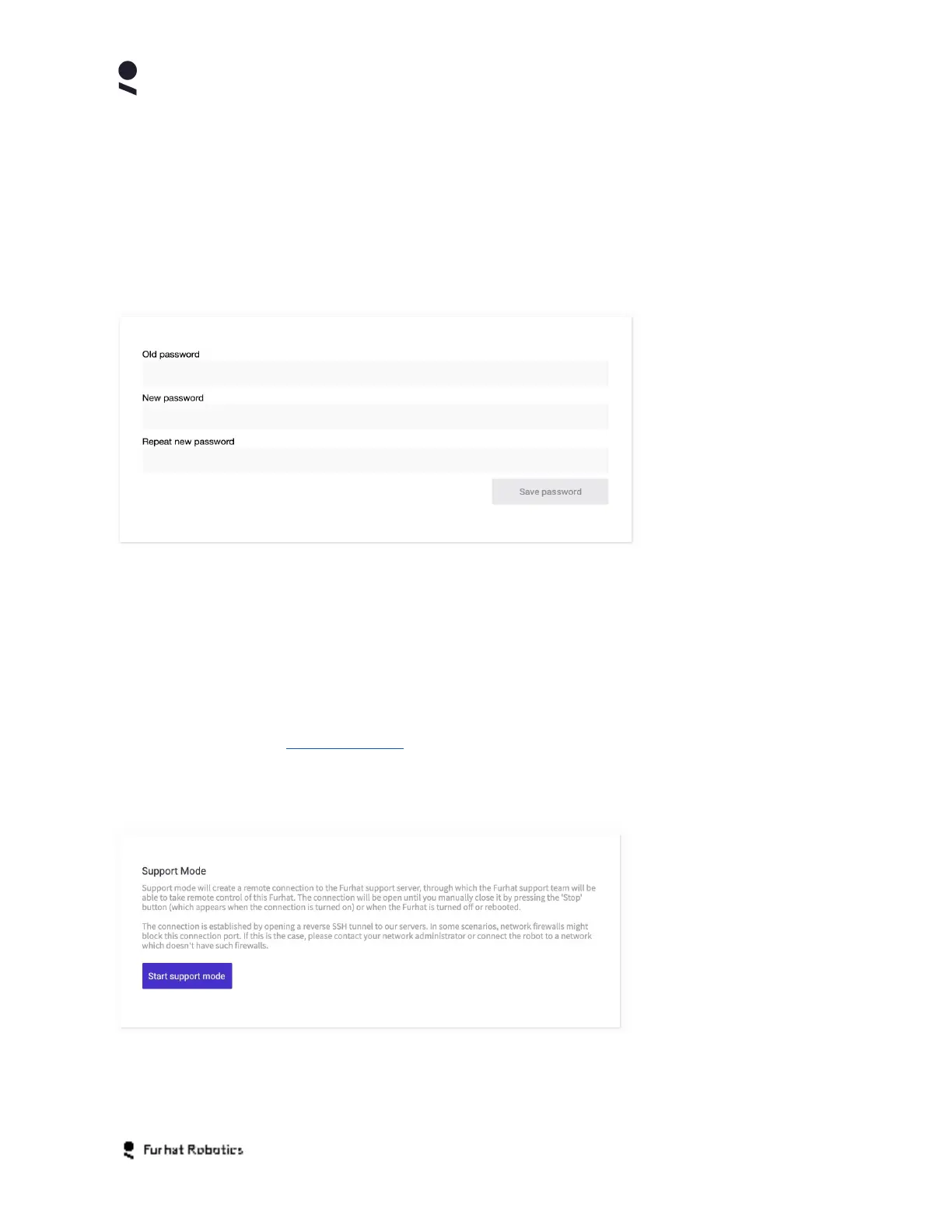
The Security Settings Panel enables you to configure the security settings of your robot.
The Password Settings Panel gives you control over your robots password. This is the
password that grants access to the robot Web-Console, with the default password admin. It is
recommended to change the default password to a secure and appropriate password of your
own choosing.
Enter your current password in the Old Password field, then enter your new password and
repeat the new password to confirm it, before using the Save Password button to finalise the
change of password.
Support Panel
Your robot has a remote support capability that enables you, at your command, to connect your
robot in a live support session with Furhat Robotics support personnel. In advance, you should
file a support ticket via https://furhat.io/ and the Support button at the top of the page.
To start support mode, select the Start Support Mode button on the Support Panel. To end
support mode select the Stop Support Mode button.
Support mode uses an authenticated reverse secure shell (SSH) connection between your robot
and Furhat Robotics support. Some office network environments may have network rules or
Copyright Furhat Robotics AB © 2020 - Commercial In Confidence


 To Next Page