- 102 -
10 Thomas, Irvine, CA 92618 USA
Tel: (949) 465-0900
Fax: (949) 465-0905
7.7.2 Unlock profile
Scroll to “UNLOCK PROFILE” from “LOCK SETTING” using the▲▼ and press ENTER. Once pressed
the ENTER, this feature unlocks the sensor profile menu and full access to sensor profile will be gained.
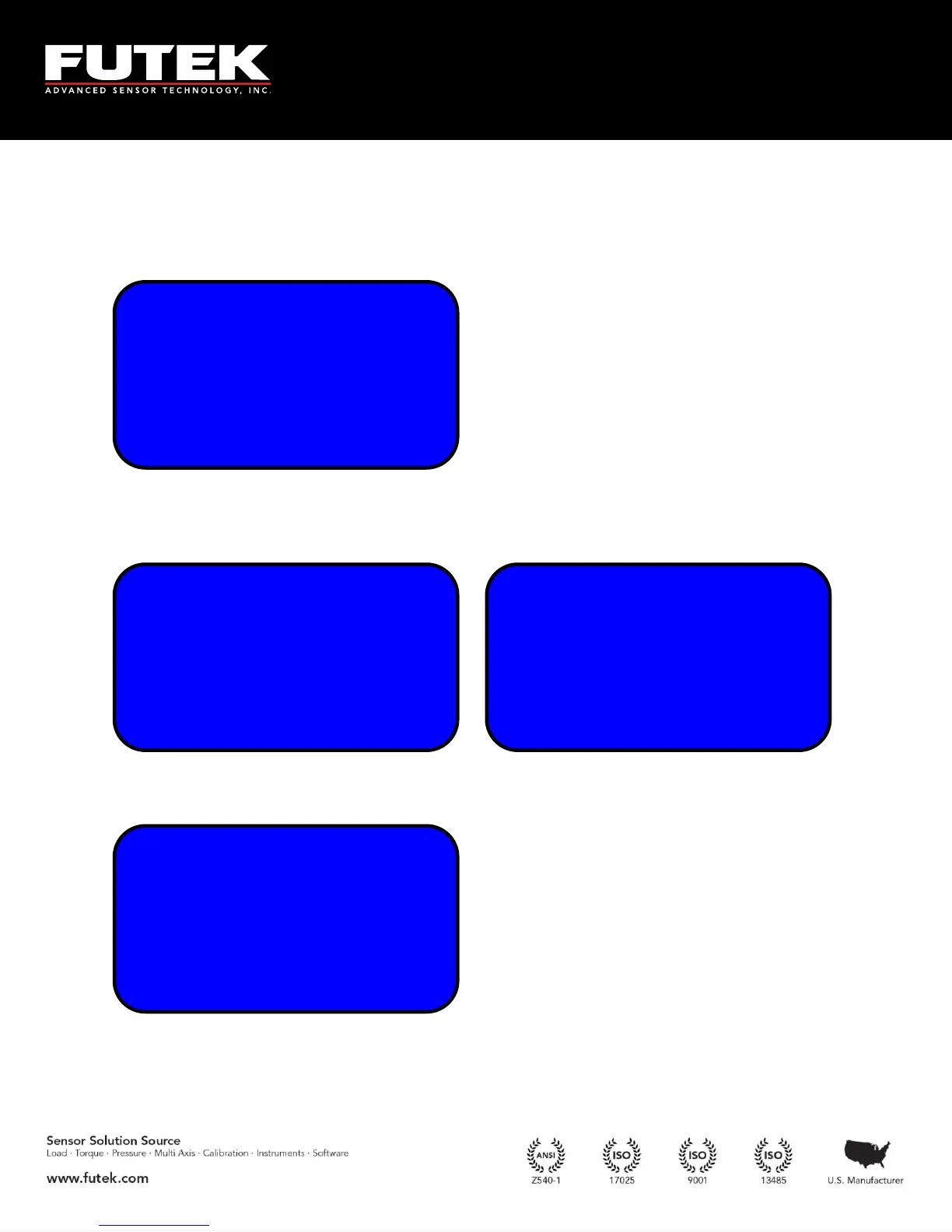
Enter the current password to unlock the sensor profile. If the correct password is entered, the following
success message will be displayed.
If the password is entered incorrectly, an invalid password message will appear:
INVALID PASSWORD
HAS BEEN ENTERED
TRY AGAIN LATER!
(HIT ENTER/BACK)
OPERATION
WAS EXECUTED
SUCCESSFULLY
(HIT ENTER/BACK)
ENTER CURRENT
PASSWORD
USING ARROW KEYS
[0000000]
LOCKOUT PROFILE
► UNLOCK PROFILE
CHANGE PASSWORD
-----------



 To Next Page