10
3. LIVE PAGE CONFIGURATION
When the device is accessed through the web browser, the live image of the device appears on
the window. To go back to the Live page either from the Storage or Setup page, click Live on
the upper left corner of the web page.
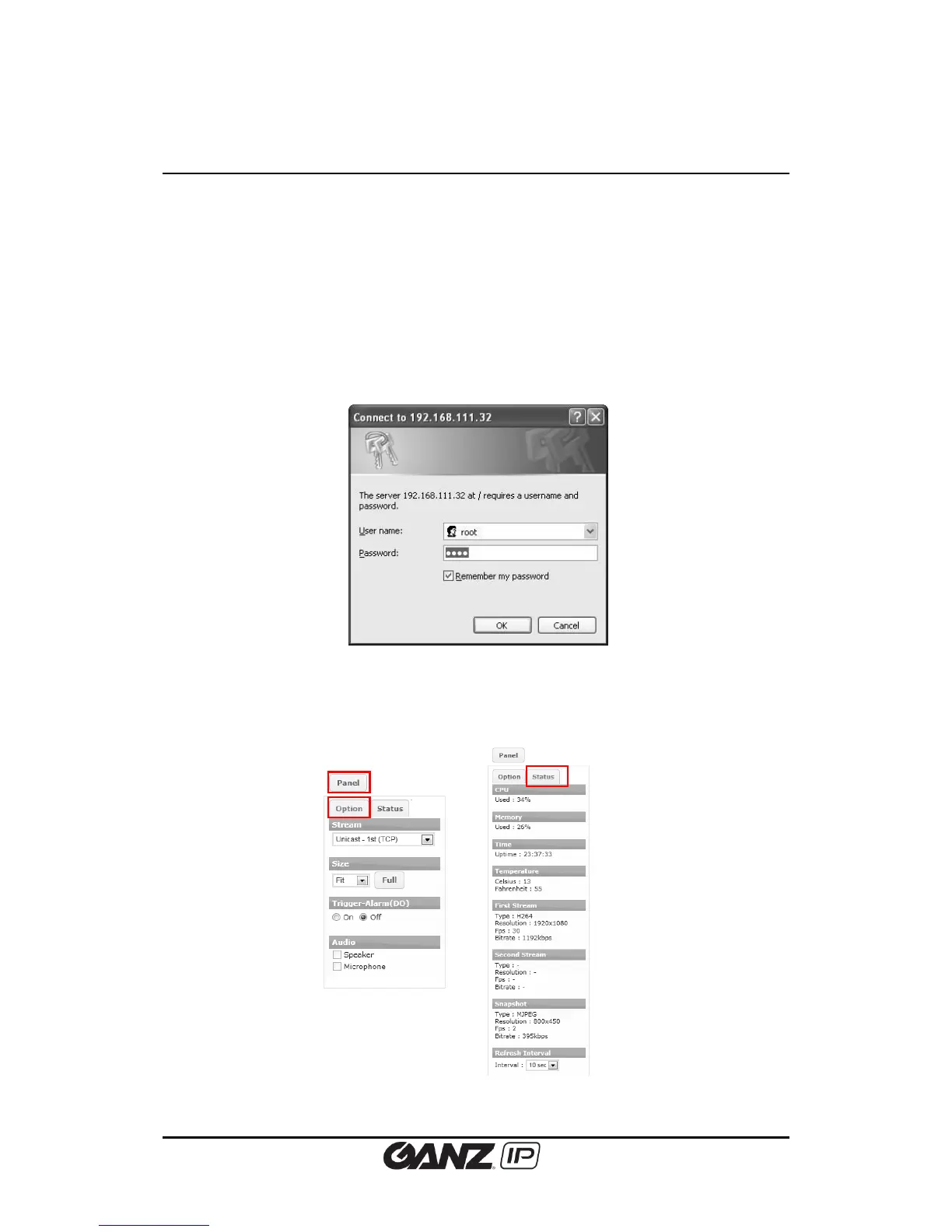
3.1. Log In
To access the device on the web browser:
1. Enter “root” for the user name and “pass” for the password on the pop-up window.
2. Click the OK button to access the main page.
3.2. Live Page Menus



 To Next Page