44
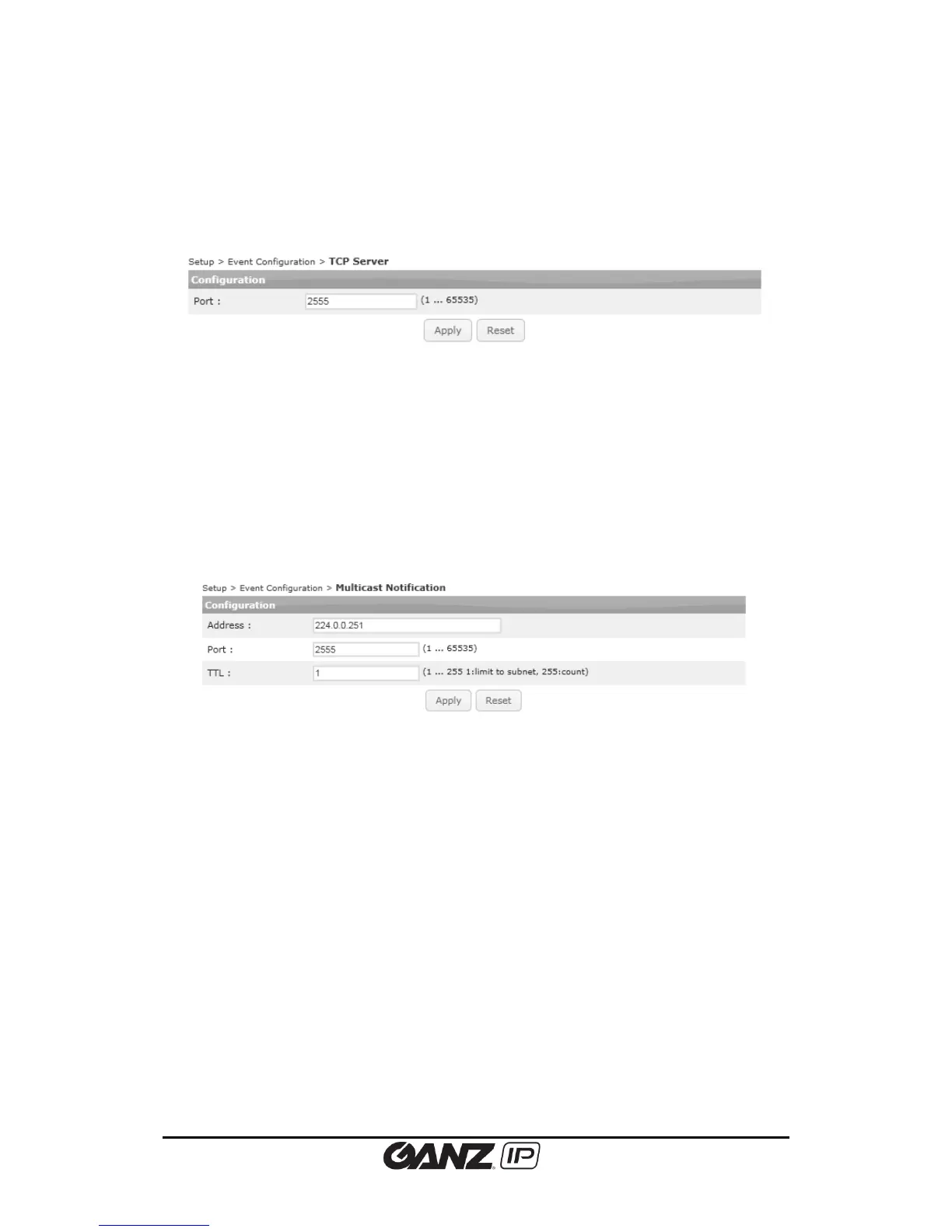
5.3.7. TCP Server
To configure the TCP server, go to Setup > Event Configuration > TCP Server. You can use TCP
server to get the event notification from the device and send them to the client application.
Port
Type the utilized port number to deliver the event message program
5.3.8. Multicast Notification
To configure the multicast server, go to Setup > Event Configuration > Multicast Notification.
You can use Multicast server to get the event notification from the device and send them to
the client application.
Type Address, port, and TTL according to your system setting. Factory default is 2555.



 To Next Page