46
5.4.2. HTTP Server
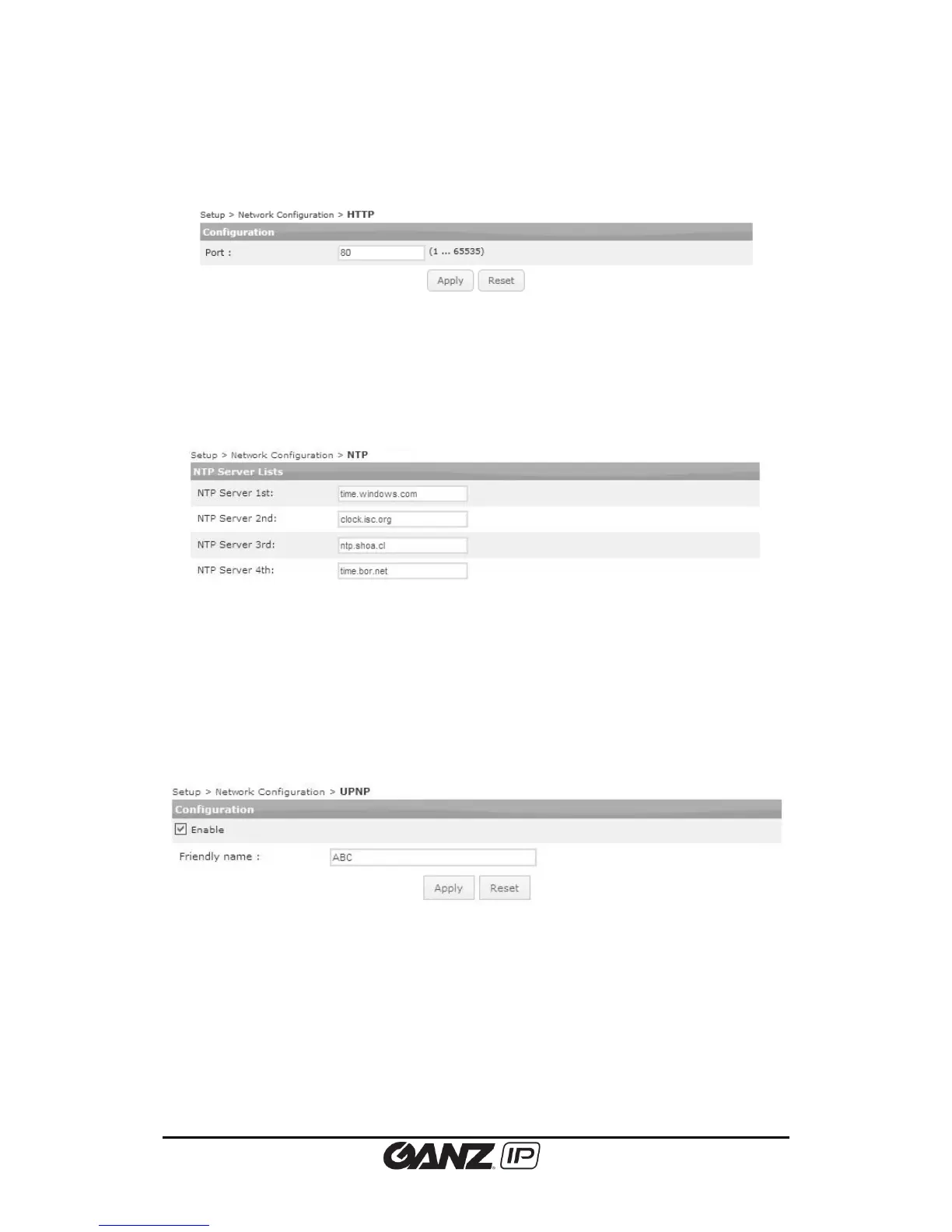
To change the HTTP server setting, go to Setup > Network Configuration > HTTP.
Set the appropriate port number that is being utilized.
5.4.3. NTP Server
To change the NTP server setting, go to Setup > Network Configuration > NTP.
NTP Server Lists
Users can set up to four NTP servers. To enable the NTP servers, DNS server setting must be
completed from Setup > Network Configuration > TCP/IP.
5.4.4. UPnP
To change the Universal Plug & Play configuration, go to Setup > Network configuration >
UPnP.
UPnP allows IP devices to connect seamlessly, and simplify the implementation of network in
remote PC environments. On this page, users can enable or disable UPnP by clicking the Enable
check box, and apply the desired name (friendly name).



 To Next Page