25
5.2.5. Encoder profile
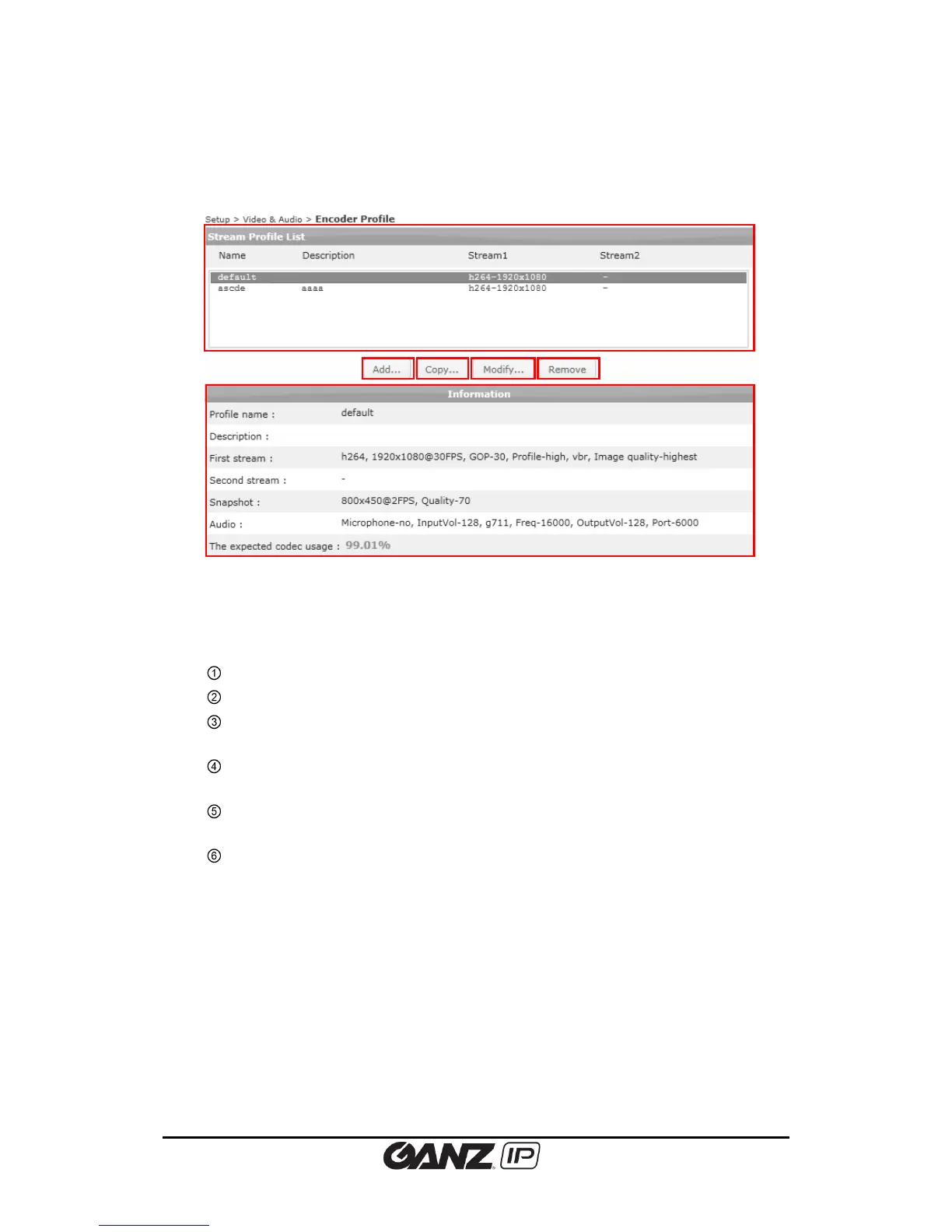
To create pre-defined encoder profiles, go to Setup > Video & Audio > Encoder Profile.
You can check the defined profile list on the main page, and add, copy, modify, or remove a
profile.
Stream Profile List: Lists the defined encoder profiles.
Add: Click this button to add a new profile.
Copy: Select the desired profile to copy and click this button to copy an existing
profile and easily create a new profile by modifying few options.
Modify: Select the desired profile to modify and click this button to change the
current settings of the profile.
Remove: To remove a profile, select the desired profile and click this button. The
default profile cannot be removed.
Information: Detailed information is shown below the profile list.



 To Next Page