37
5.3.3. E-mail recipient
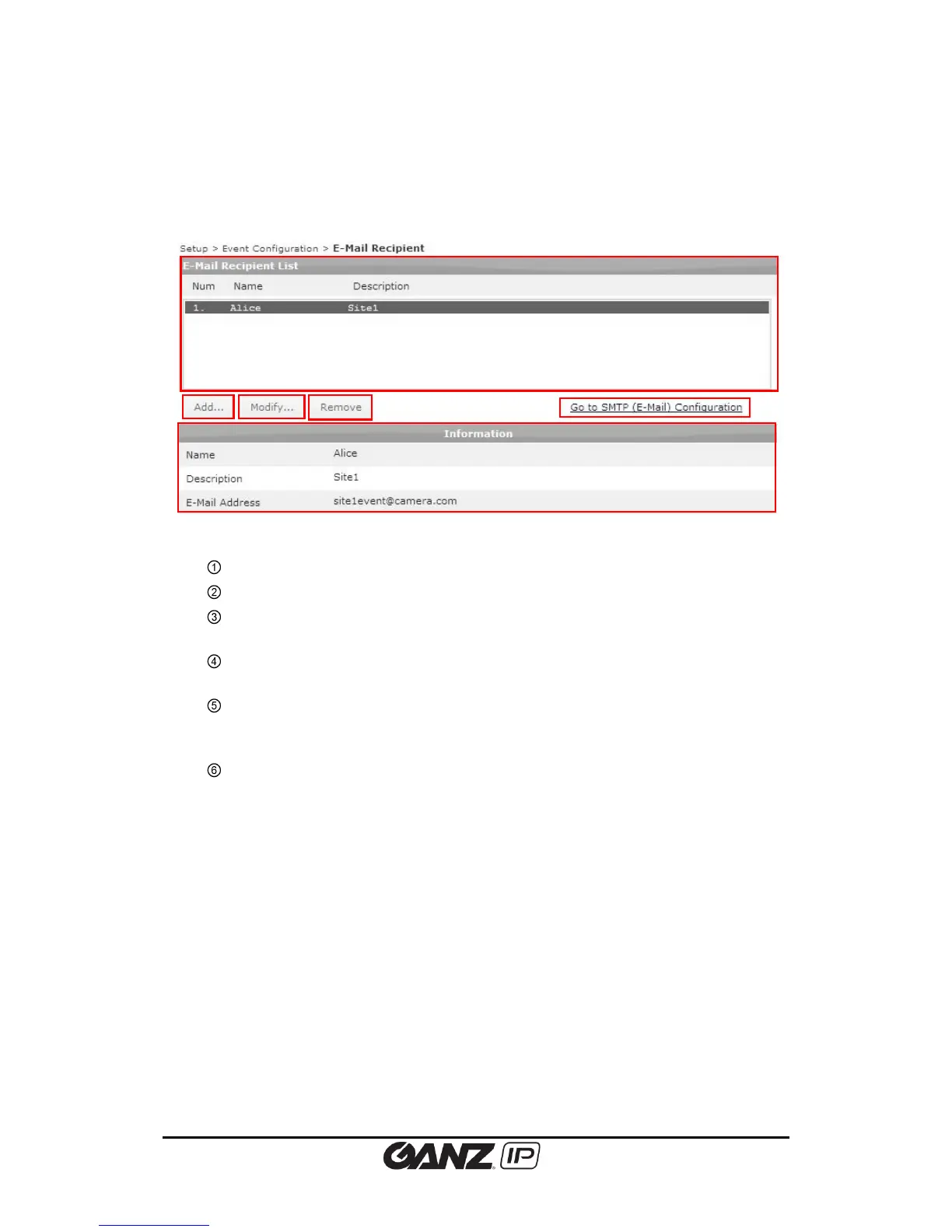
To configure the email recipient list for event notification, go to Setup > Event Configuration >
E-Mail Recipient.
E-mail Recipient List: Lists the defined e-mail recipient names.
Add: Click this button to add e-mail recipient information.
Modify: Select an e-mail recipient name and click this button to modify the current
information of the e-mail recipient.
Remove: Select an e-mail recipient name and click this button to remove from the
list.
Go to SMTP Configuration: If you want to receive notification messages via e-mail,
you need to configure the SMTP server information first. Go to Setup > Network
Configuration > SMTP(E-Mail), and complete the required settings.
Information: Displays the detailed information of the selected e-mail recipient from
the list.



 To Next Page