38
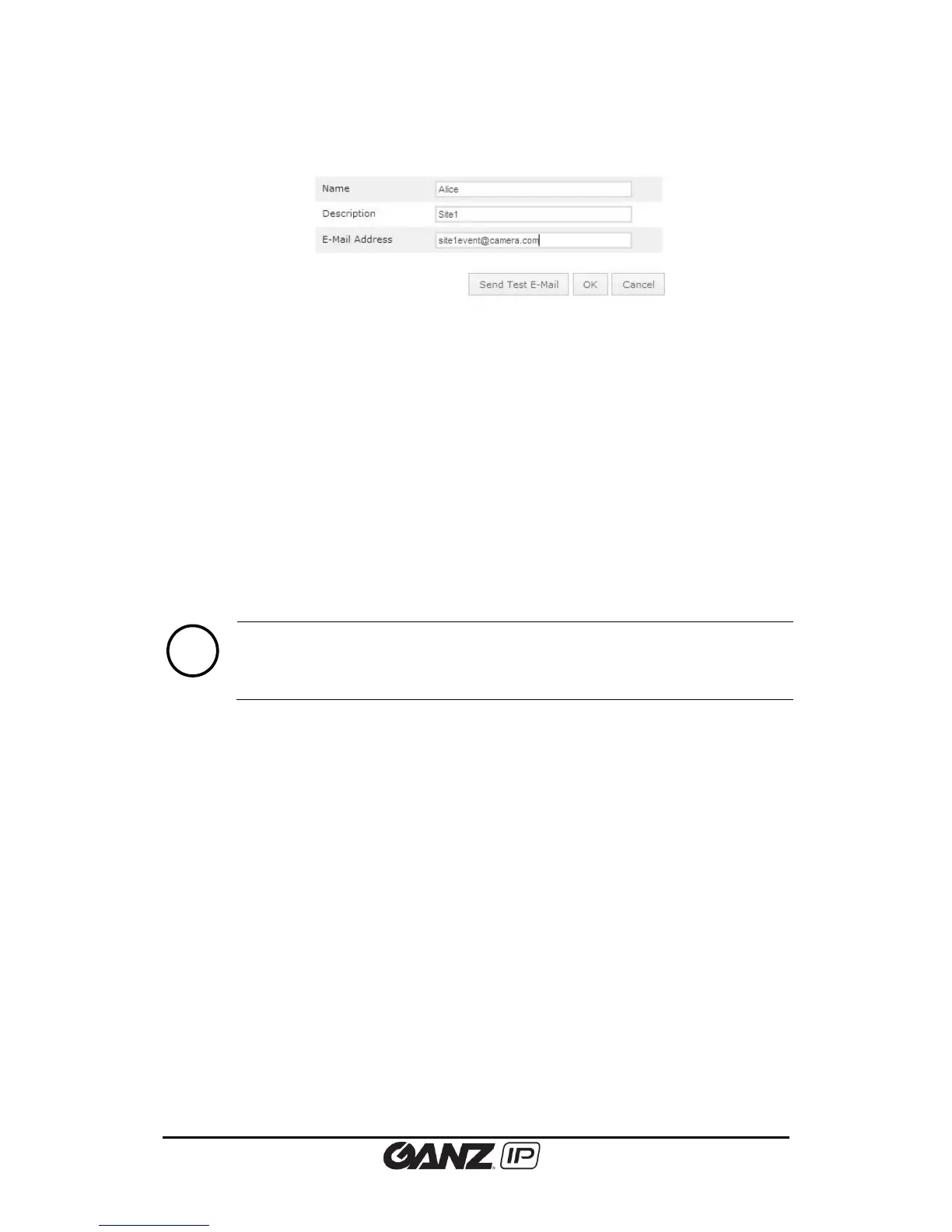
Clicking either Add, Copy, or Modify button will display the configuration page shown below.
Name
Specify the e-mail recipient name.
Description
Input a brief description of the e-mail recipient to easily distinguish.
E-Mail Address
Enter the e-mail address of the e-mail recipient. If you use host name, a valid DNS server must
be specified in TCP/IP network settings.
Send Test E-Mail
To test the entered e-mail address, click the Send Test E-Mail button. If the e-mail address is
available, ‘Send okay’ message appears next to the test button.



 To Next Page