53
5.5. VCA
For the details of VCA, refer to the VCA Manual.
5.6. Peripheral
5.6.1. DI/DO control
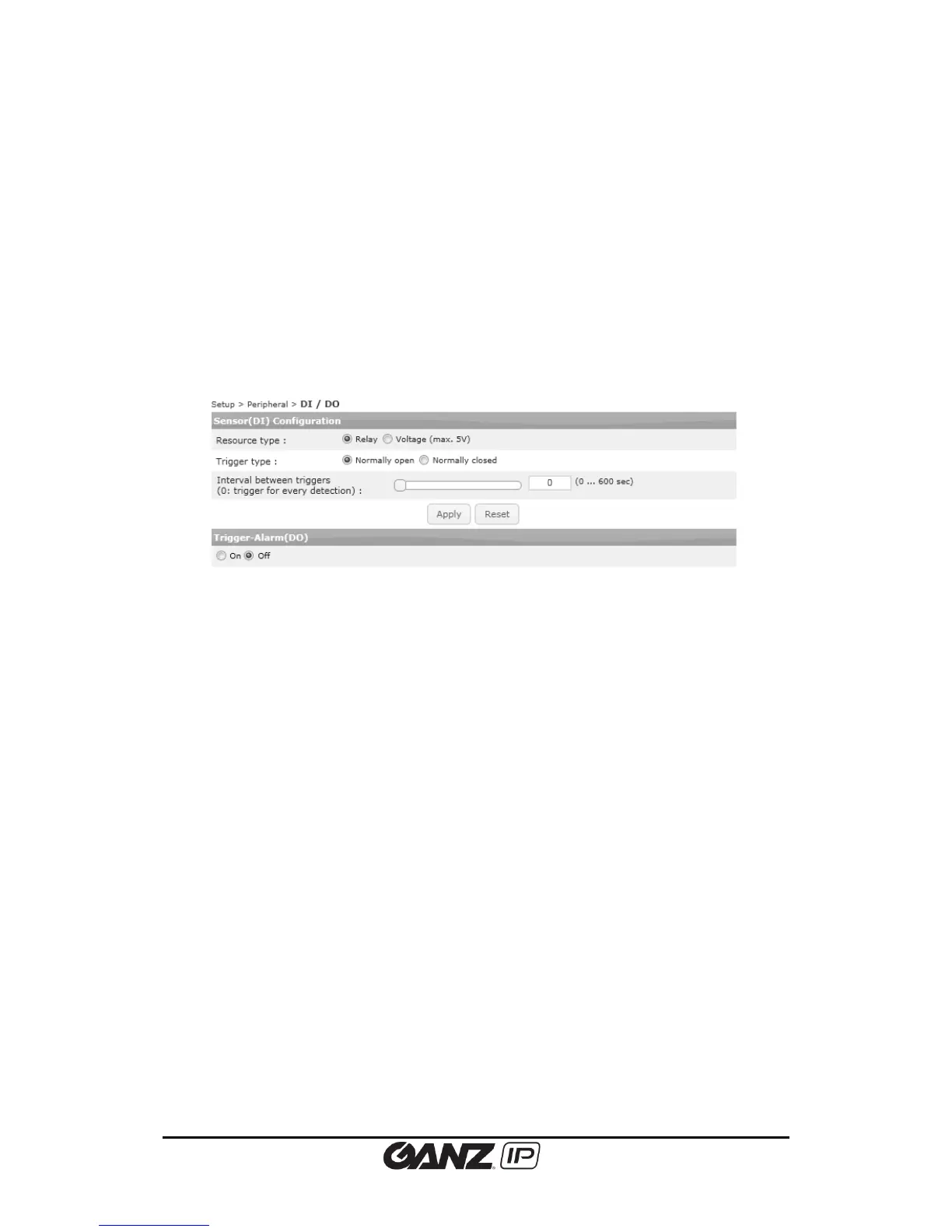
To configure the digital input and output to control external devices such as sensors or alarms,
go to Setup > Peripheral > DI/DO. Please refer to the product user guide to know more about
the electrical characteristic of these ports.
Sensor (DI) Configuration
Resource type
Select the type of sensor module. It can be either voltage [maximum 5 volts] or relay.
Trigger type
Select between ‘Normally open’ and ‘Normally closed’. .
Interval between triggers
Set the detection time interval for event publishers. For example, if you input ‘0,’ it generates
events whenever DI is activated. When the value is set to’10,’ then only 1 event will be
triggered every 10 seconds even if multiple DI events are detected within 10 seconds.
Trigger Alarm (DO)
Select “On” or “Off” for DO.



 To Next Page