30
5.3. EVENT CONFIGURATION
Event Configurations allow users to set up the notification of occurred events. The event
sources such as DI and motion detection can publish event messages when an event is
generated. The available event subscribers include DO, email, FTP, and HTTP.
Before you create an event profile, go to the desired subscriber configuration
page (E-Mail Recipient, FTP Notification, or HTTP Notification) and complete the
required server settings.
5.3.1. Event Rules
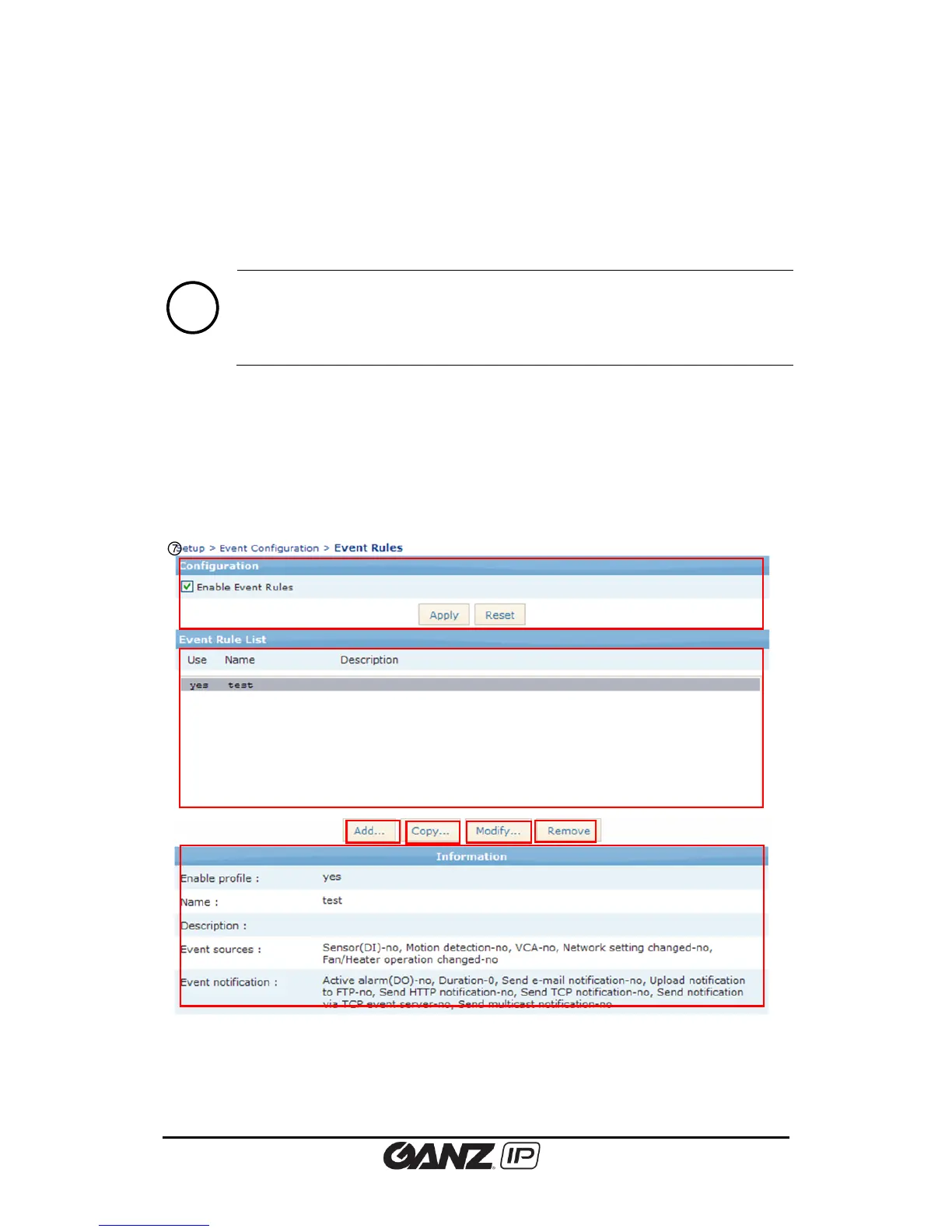
After the event subscriber configuration, you can make several event profiles with different
options of event source and notification. Go to Setup > Event Configuration > Event Profile to
manage the event profile. On this page, you can configure the event source type and specify
how to send notification message when an event trigger is activated.



 To Next Page