54
5.7. Maintenance
5.7.1. Users
The Users configuration page from Setup > Maintenance > Users operates the same way as of
the page from Setup > Basic Configuration > Users. Refer to 5.1.1. Users for the details.
5.7.2. Date & Time
The Date & Time configuration page from Setup > Maintenance > Date & Time operates the
same way as of the page from Setup > Basic Configuration > Date & Time. Refer to 5.1.3. Date
& Time for the details.
5.7.3. Firmware Update
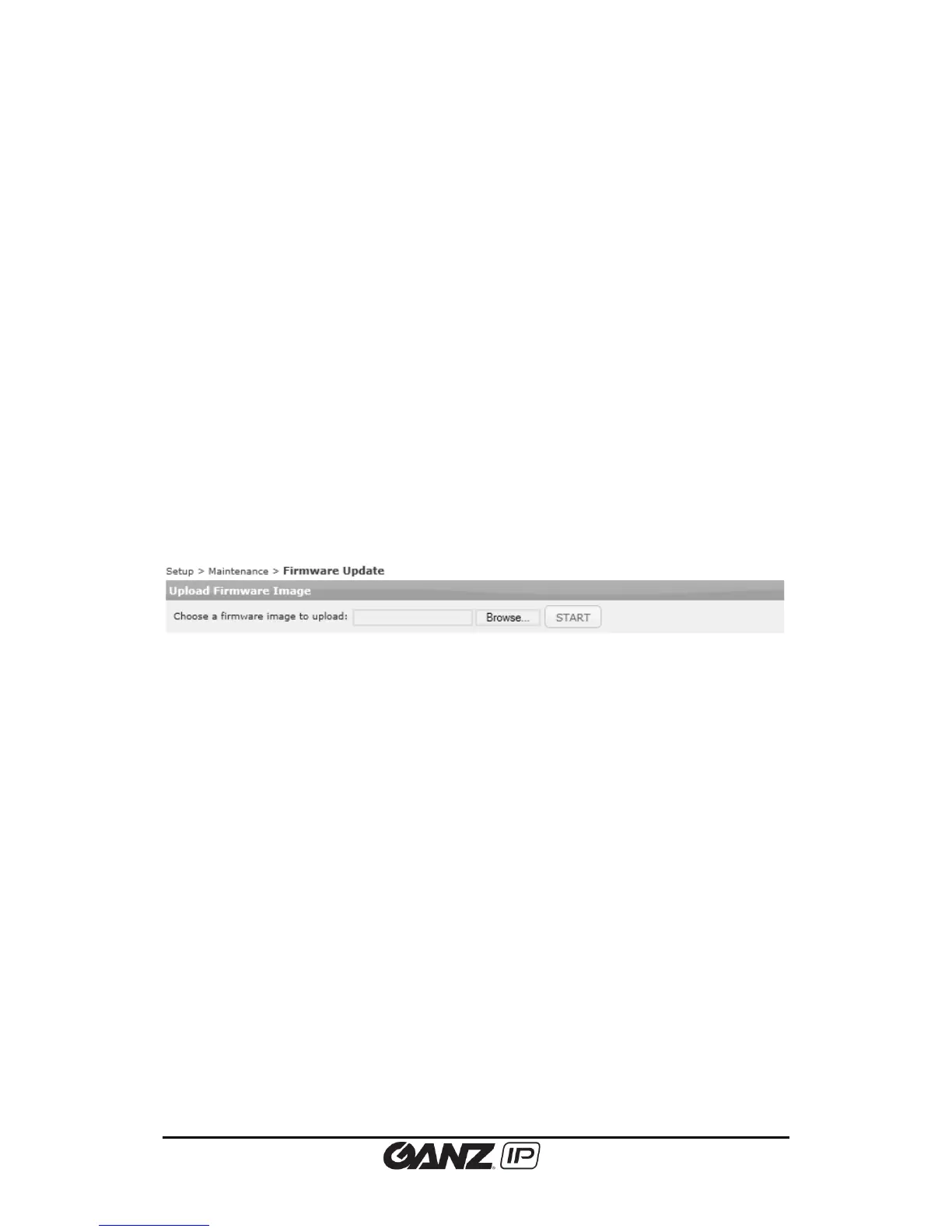
To update firmware, go to Setup > Maintenance > Firmware Update and follow the directions
below.
Firmware update via the tool
To enable the firmware update via the IPAdminTool.exe, highlight the device to upgrade the
firmware, and click “Update” button. Then, the FWUpdate window appears where users can
set multiple devices to upgrade simultaneously.
Refer to the ‘IPAdminTool User’s Manual.pdf’ for the details how to update the firmware on
your devices by using this tool.
Firmware update on the web browser
To update the firmware on the web browser, click the Browse button and search the firmware
file. If you select the file to upload, the Upload button appears next to the Browse button. Click
the Upload button to update the firmware.
5.7.4. System Log
To download system log, go to Setup > Maintenance > System Log and follow the directions as
below.



 To Next Page