55
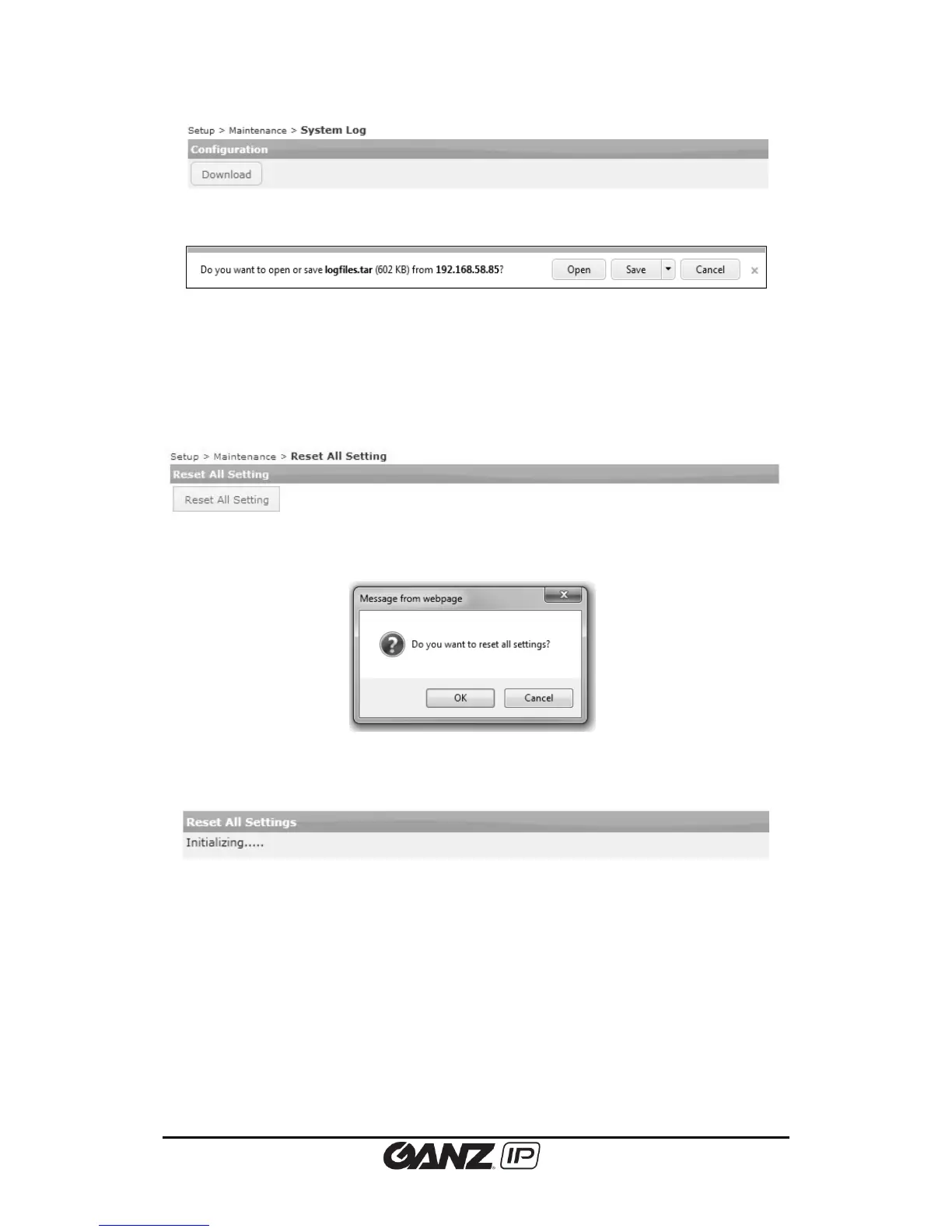
Click the download button, file download dialog box appears.
5.7.5. Reset All Settings
All information is initialized except user, network and time zone.
To reset the system setting to the factory default setting, go to Setup > Maintenance > Reset
All Setting and follow the directions below.
1. Click the Reset All setting button, and then the dialog box appears as below.
2. Click the OK button to reset all settings. When a dialog box appears to ask rebooting the
system, click the OK button.
3. The reboot starts automatically. Then, count for 60 seconds after showing ”Initializing…..”
4. Check if all the settings are returned to the factory default values.



 To Next Page