19
5.2. Video and Audio
To change the setting for video input, burnt-in text, encoder profile, and steam, go to the
Video & Audio page by selecting Setup > Video & Audio. This menu is configured with five sub
menus: Camera, Repositioning, Burnt-in Text, Encoder Profile, and Stream.
5.2.1. Camera (channel naming/video format/ color control)
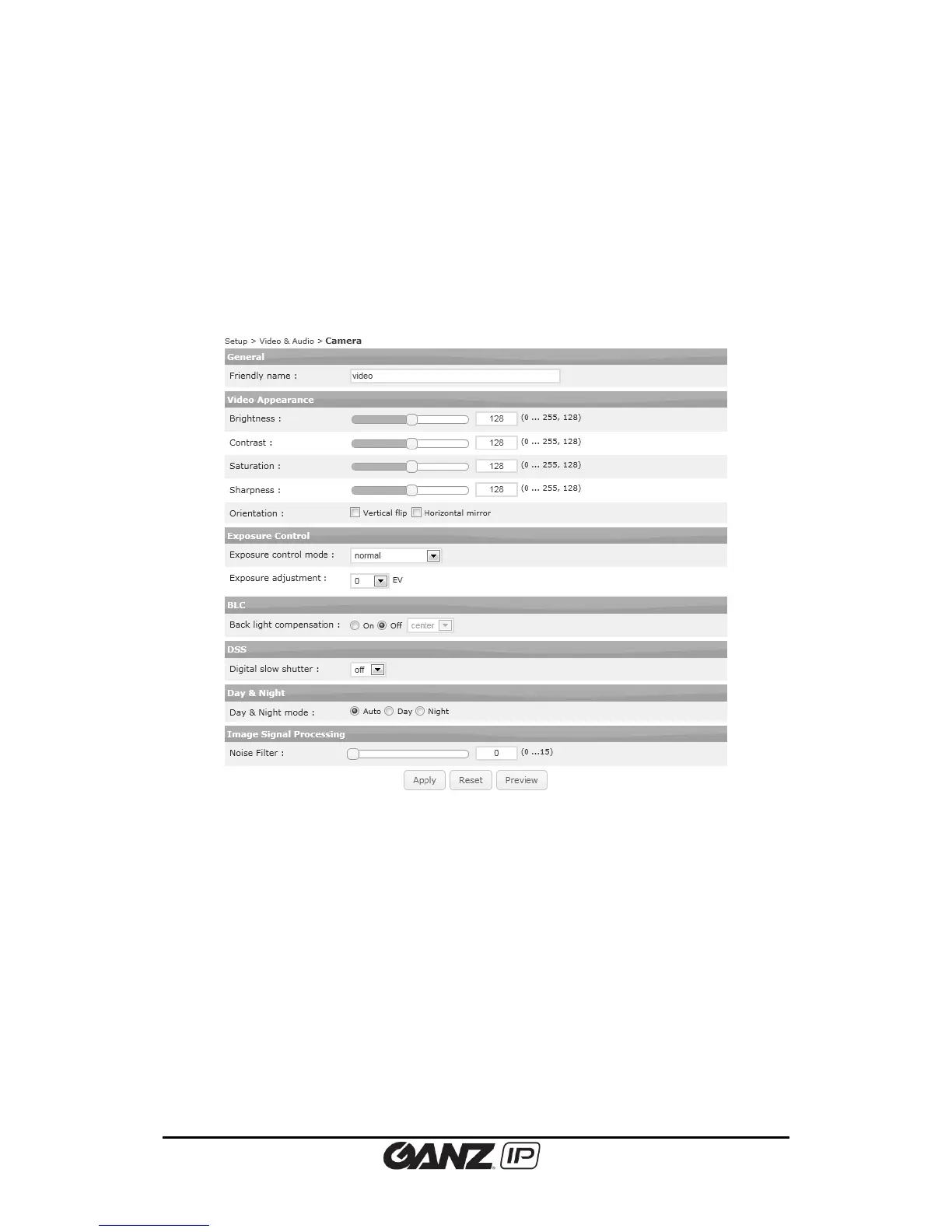
Camera section under the Video & Audio menu enables user to modify the camera image
characteristics.
The camera setting page provides options to:
Name a channel for the camera
Set image attributes
Adjust the image exposure
Configure the image signal processing
Preview the current setting
Click the Apply button to save the changes, and the Reset button to return to the previous
setting.
Friendly name
Users may provide friendly name (alias) to an individual camera in case when utilizing multiple
channels and cameras. Using alias is recommended to distinguish the device where
environment requires multiple image feedbacks with multiple monitoring devices.



 To Next Page