51
5.4.7. SMTP
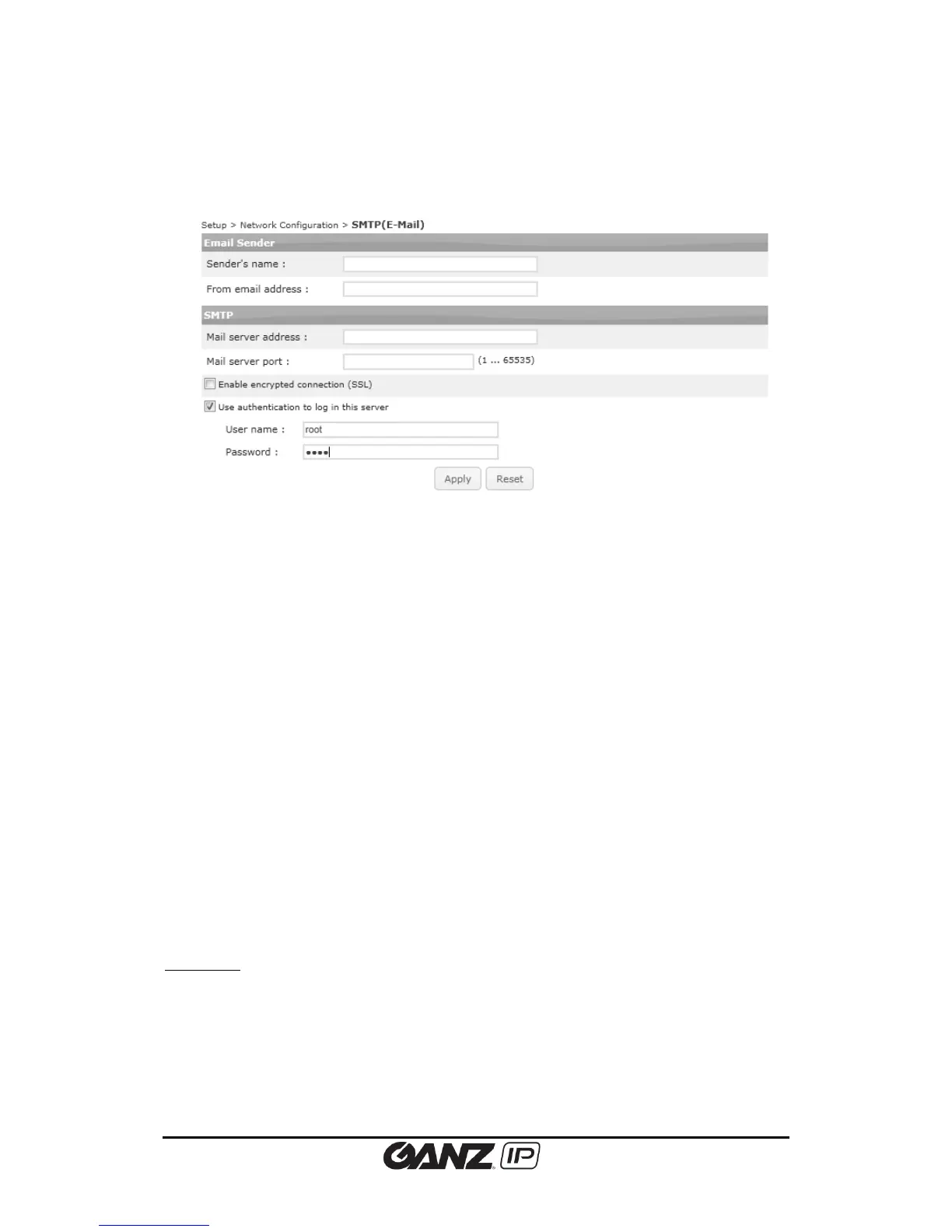
To change the SMTP setting, go to Setup > Network Configuration > SMTP(E-Mail).
You can set the user’s email account and server to apply this SMTP for the event subscriber or
any other SMTP required purpose.
Configuring user information
Sender’s name
Type the name of the sender; it can be either generic notification bot, name of the
administrator, or the specific camera device, depends on its purpose.
Input range: 40 characters limit
From email address
Type the e-mail address of a sender.
Input range: 128 characters limit
Configuring server information
Mail server address
In order to send an email, the product needs the information of user’s mail server. Type the
host name or IP address of the mail server. If you use the host name, it requires the DNS
registration. Check the DNS configuration from Network Configuration > TCP/IP and see if
your DNS configuration is correct. If you use host name, a valid DNS server must be specified in
TCP/IP network settings.
Input range: 128 characters limit
Mail server port
Type the mail server’s port number within the range from 0 to 65535.
Enable encrypted connection (SSL)



 To Next Page