29
5.2.6. Stream
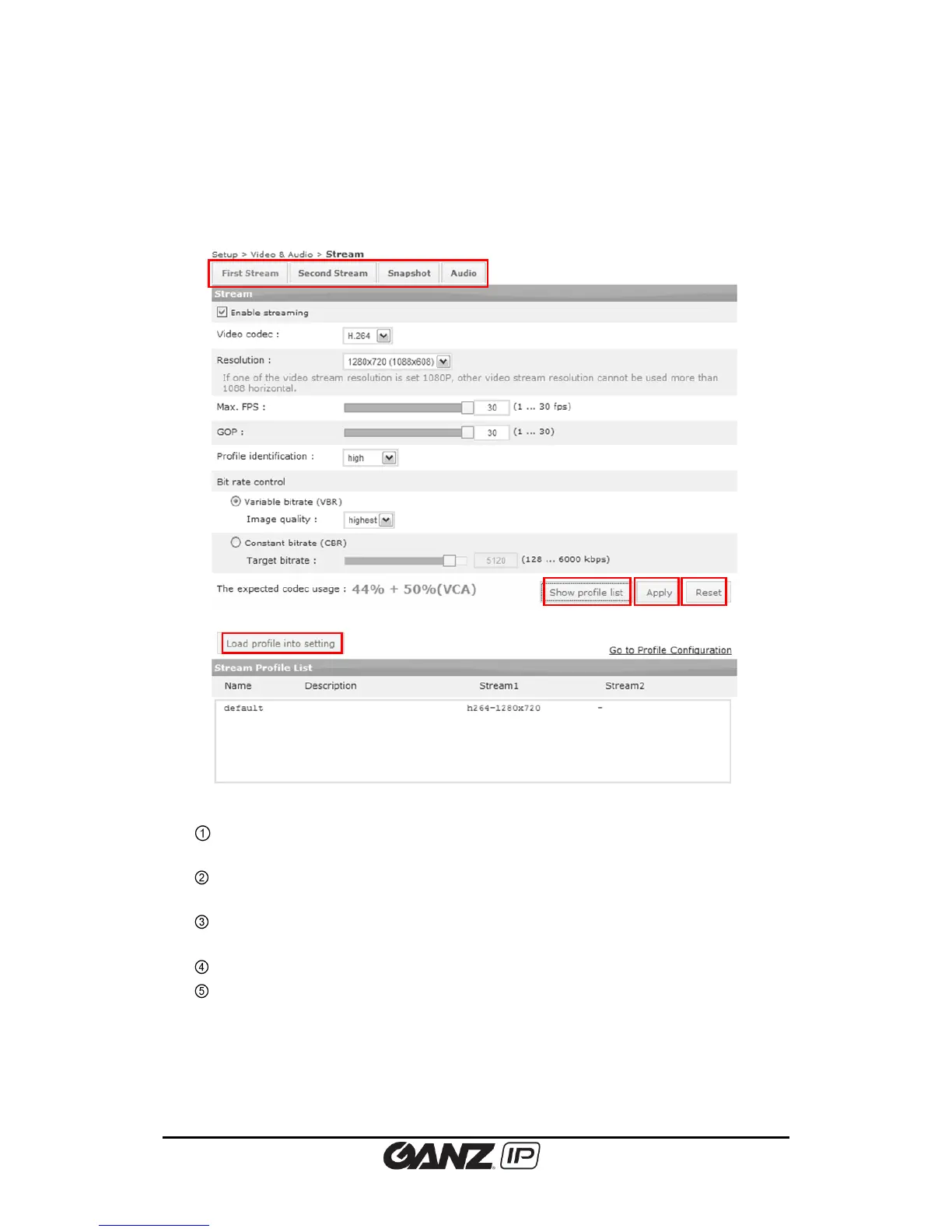
To configure predefined stream profile, go to Setup > Video&Audio > Stream.
This part has same structure with Setup > Encoder Profile and actual stream is applied
by this page.
Clicking the ‘Show profile list’ will display the profile with currently activated stream
information
Highlight the profile from the list and click the ‘Load profile into setting’ button to
bring up the profile that a user wish to configure.
Click this button to apply all changes to the currently loaded profile.
Removes the typed values or settings of current page and returns to the ‘latest-
applied’ values.



 To Next Page