CHAPTER 3: Replacing notebook components
118
Replacing the Bluetooth module
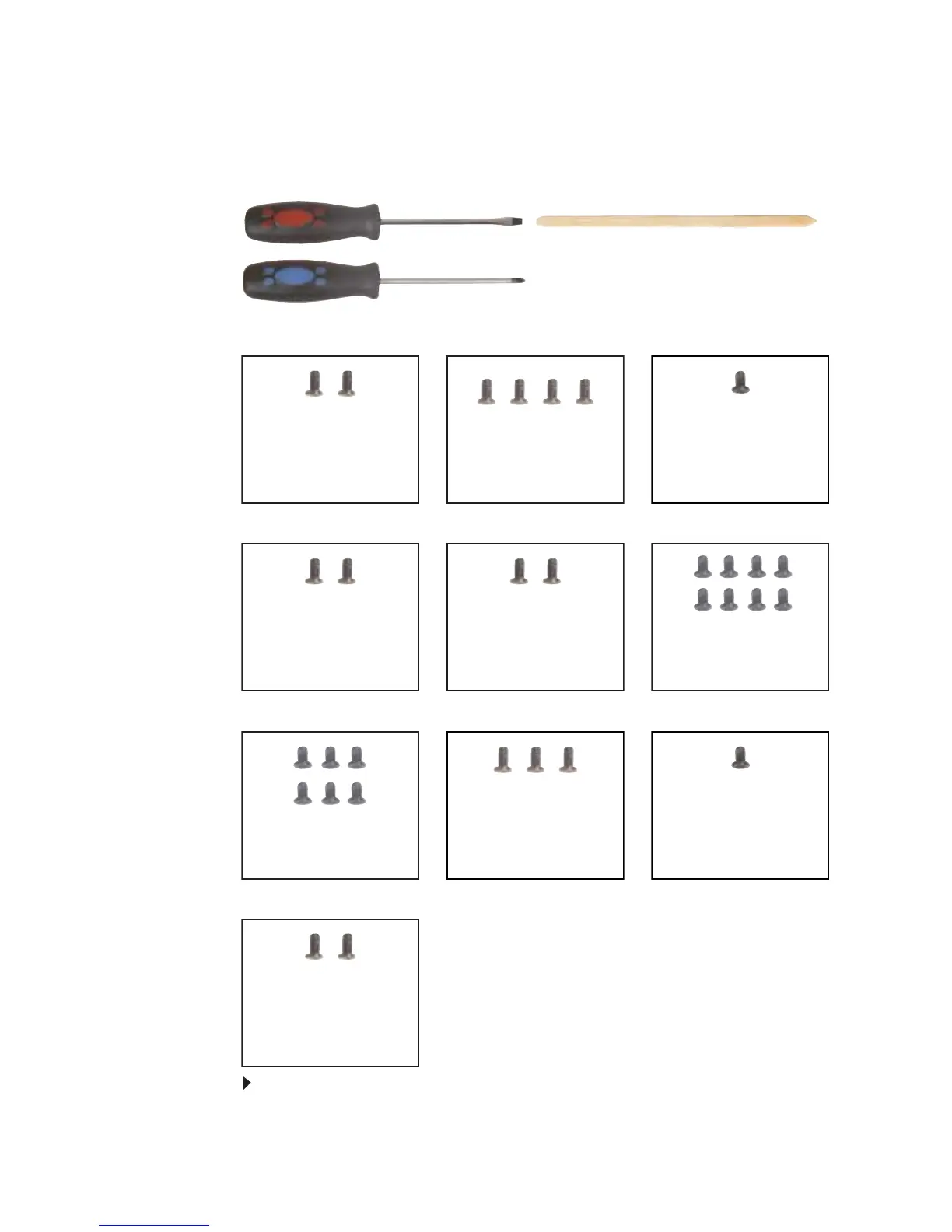
Tools you need to complete this task:
v
Screws removed during this task:
To replace the Bluetooth module:
1 Complete the steps in “Preparing the notebook” on page 55.
Flat-blade driver Scribe or non-marring tool- OR -
Phillips #0 screwdriver
2 black M2.5×8
(Hinge top)
2 black M2.5×8 (Hinge
bottom)
8 black M2.5×8 (Palm
rest-bottom)
6 black M2.5×8 (Palm
rest-top)
3 black M2.5×5 (Palm
rest-top)
1 black M2×3 (Palm
rest-top) (Optional)
2 black M2.5×3
(Keyboard cover)
2 black M2×3 (Bluetooth
module) (Optional)
4 black M2.5×3
(Keyboard)
1 long black (Keyboard)



 To Next Page