EasyManua.ls Logo

Gateway MG1 - Replacing the Speakers

Gateway MG1
192 pages
Print Icon
To Next Page IconTo Next Page
To Previous Page IconTo Previous Page
Loading...
www.gateway.com
125
Replacing the speakers
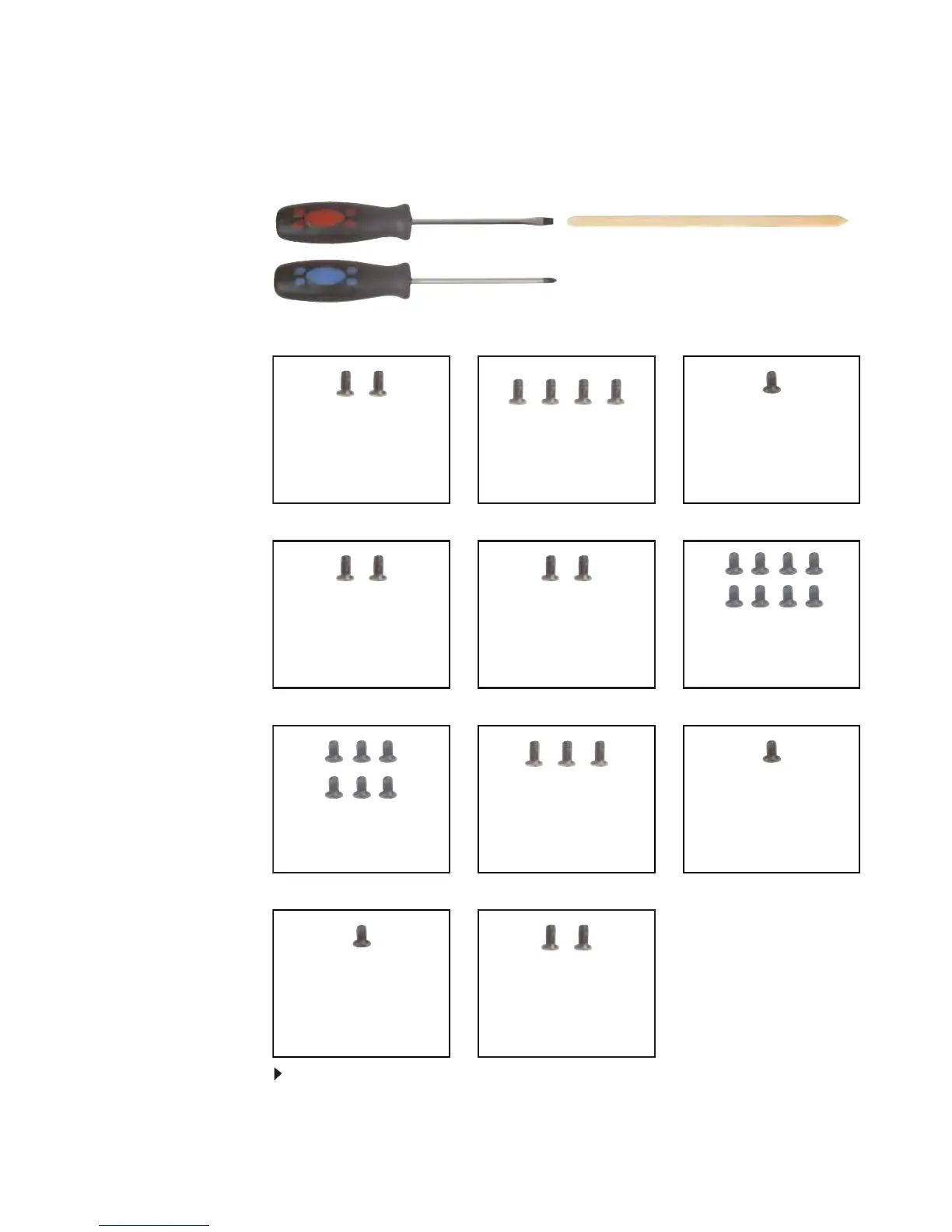
Tools you need to complete this task:
v
Screws removed during this task:
To replace the speakers:
1 Complete the steps in “Preparing the notebook” on page 55.
Flat-blade driver Scribe or non-marring tool- OR -
Phillips #0 screwdriver
2 black M2.5×8
(Hinge top)
2 black M2.5×8 (Hinge
bottom)
8 black M2.5×8 (Palm
rest-bottom)
6 black M2.5×8 (Palm
rest-top)
3 black M2.5×5 (Palm
rest-top)
1 black M2×3 (Palm
rest-top) (Optional)
2 black M2.5×3
(Keyboard cover)
1 black M2.5×3 (Right
speaker)
2 black M2.5×3 (Left
speaker)
4 black M2.5×3
(Keyboard)
1 long black (Keyboard)

Table of Contents

Related product manuals