Chapter 4 Operation
4.1 Media Loading
4.1.1 Loading the Sheet Media
To load the media properly, please follow the procedures listed below:
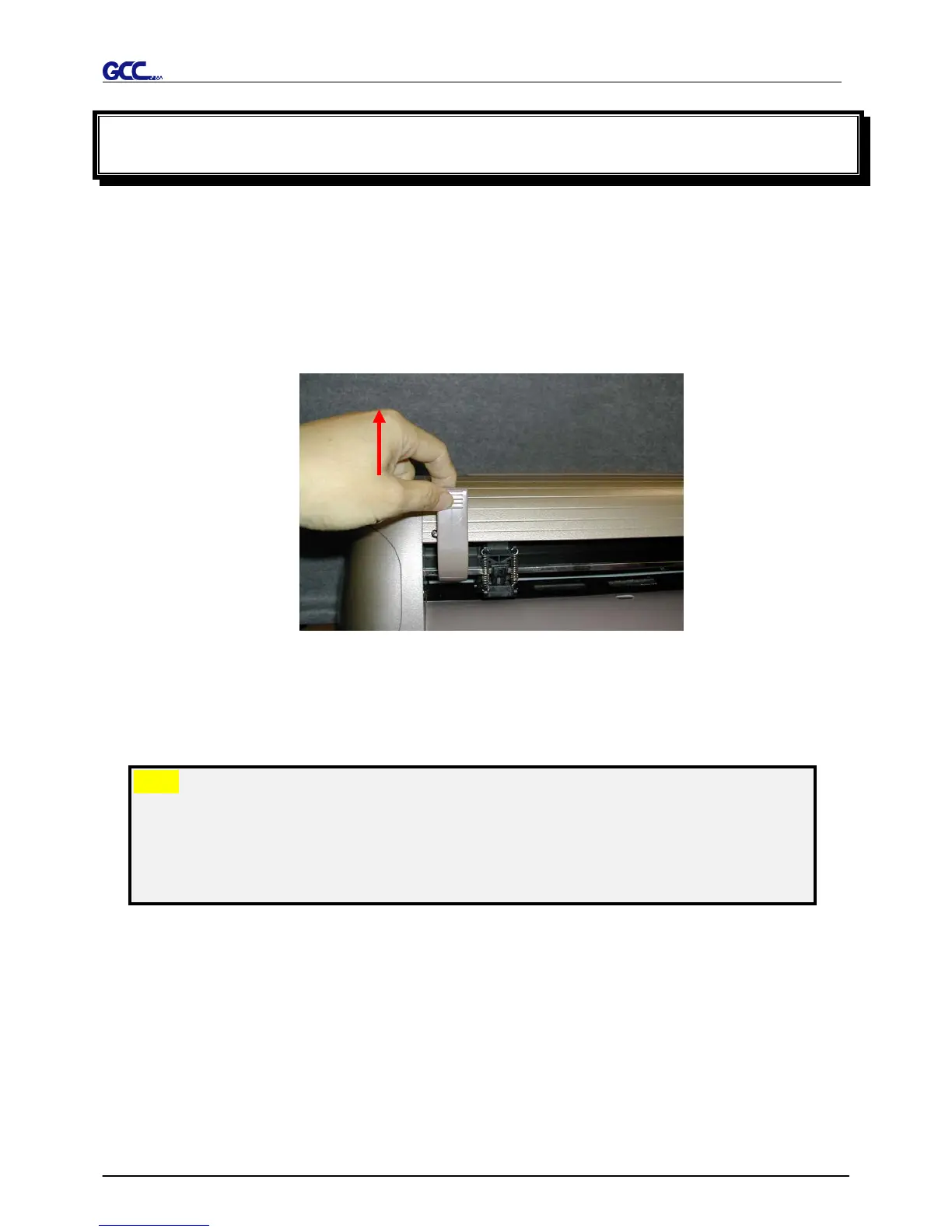
Pull the lever upward to raise the pinch rollers. (Figure 4-1)
Load your media on the platen and slide it under the pinch rollers from either the front side
or the backside. The alignment rulers on the platen extension will help you to adjust the
media precisely.
Note:
Be sure that the media must be covered by the paper sensors on the platen
when loading the media. At least one of the two paper sensors should be
covered. Once the media covers the sensor, the cutting plotter will size width and
length of media automatically.
Then move the pinch rollers manually to the proper position. Be sure the pinch rollers must
be positioned above the grid drum. The white marks on top trail will help you position pinch
rollers when media on the platen. (Figure 4-2)
Figure 4-1














 To Next Page