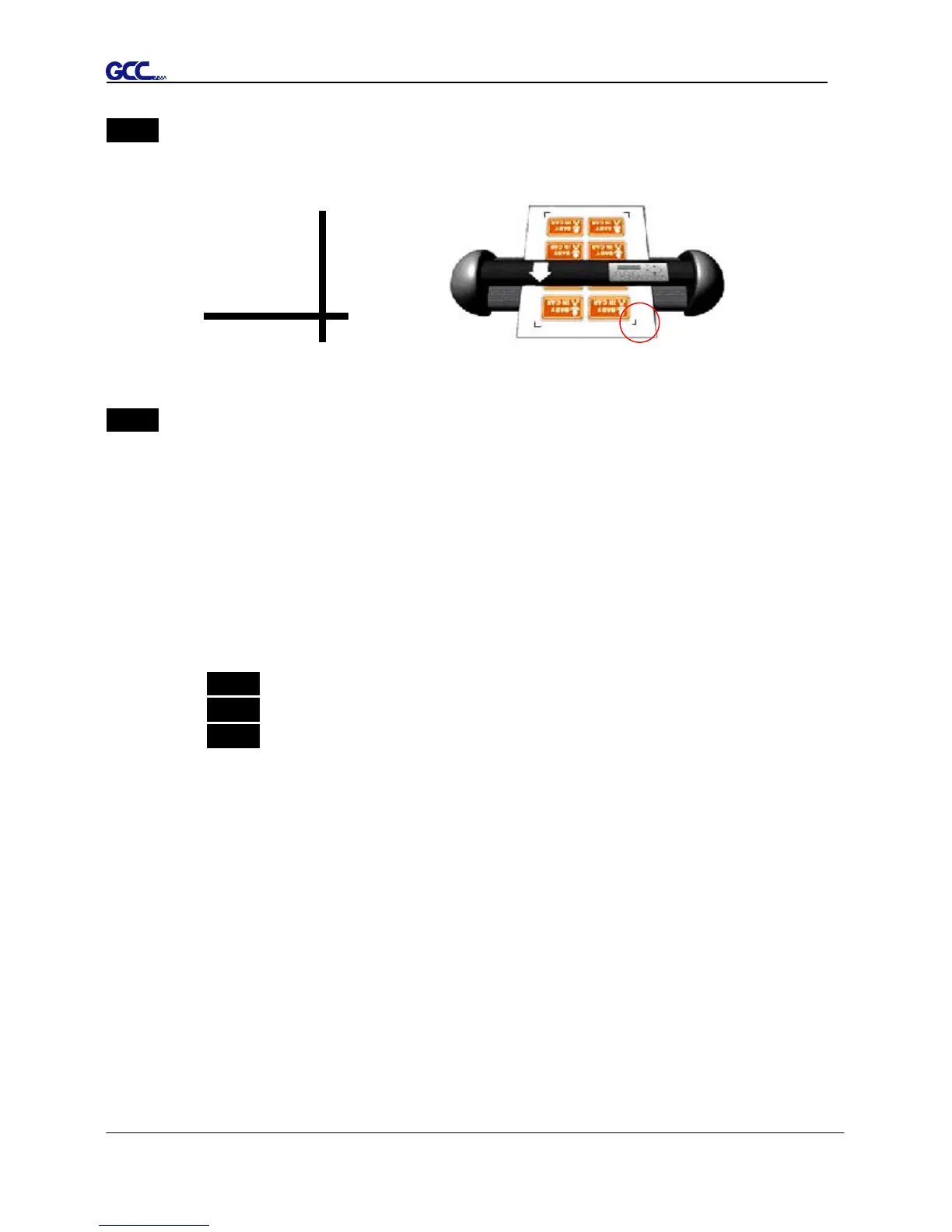
Step 4 Load the printout onto cutter
■ The Origin Mark is is different from the rest registration marks. Please make sure the
media is fed with correct direction.
Step 5 Cut the Contour
■ Send out the command from software to perform the contour cutting job.
5.6 Tips for AAS
For getting better results of contour cutting, there are some tips below for your reference.
Keep light sources simple and avoid illuminating from the sides of cutter.
Before operating AAS, change the maximum paper size in Puma IIIdriver property.
Step 1 Find the Puma III model in the “Printer & Fax” folder of your PC.
Step 2 Open the Properties window and select the “Paper” tab.
Step 3 Change the maximum Paper Size of X to 1200mm.
Adjust the cutting speed to between 300~600mm/sec.
Avoid the registration marks locating on the tracks of pinch rollers.
Make sure the edge of the media is not bent up when detecting registration marks.














 To Next Page