4.1.2 Loading the Roll Media
Step 1
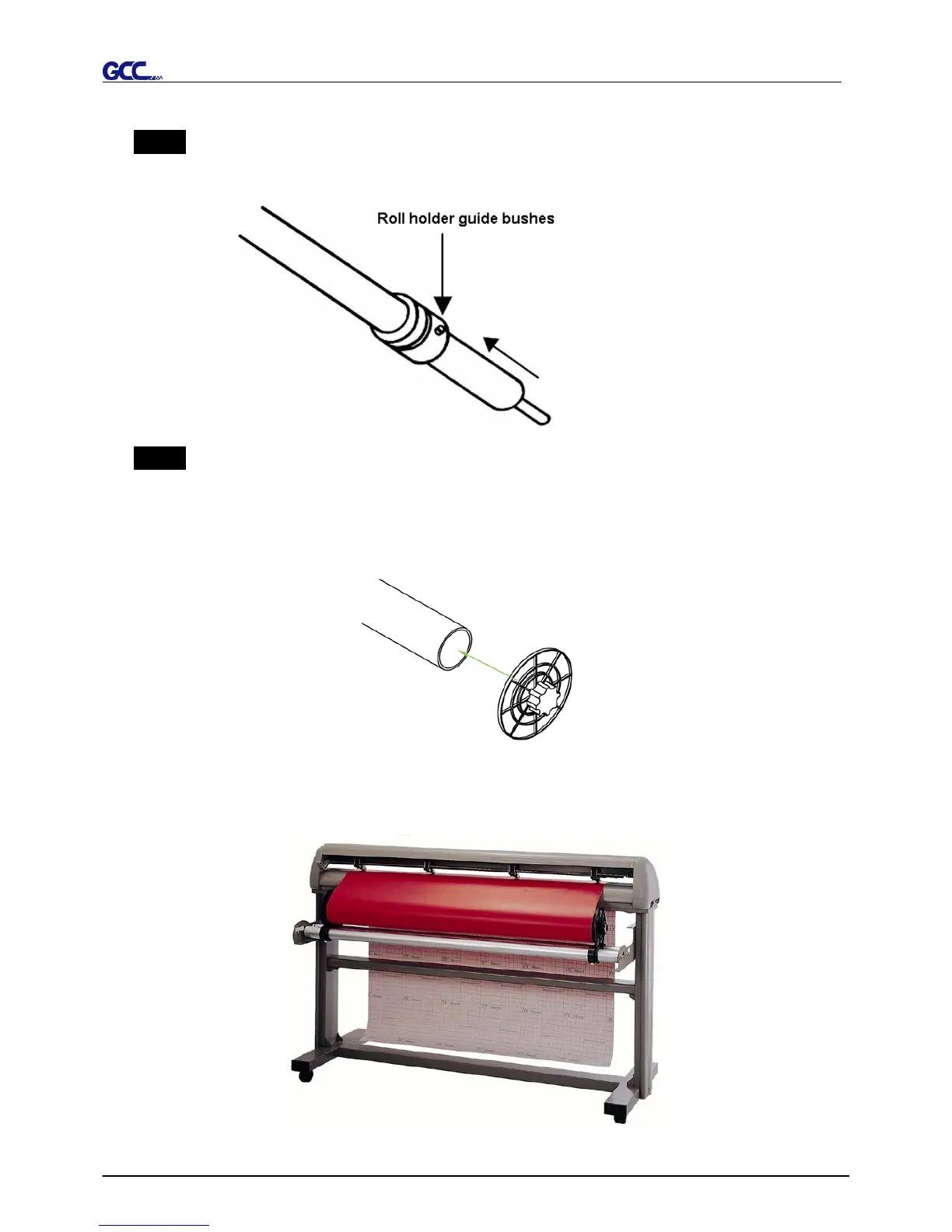
Firstly, put the roll media guide bushes on two roll holders. (Figure 4-4)
Step 2
Option A (Use the media flange)
Insert a roll media flange at the end of each roll media and tighten the thumbscrew until the
roll media is firmly gripped. (Figure 4-5)
Then put the roll media on the roll holders. Adjust the position of the roll media ensure that
the media flange is able to run in the groove of roll holder guide bushes. (Figure 4-6)
Figure 4-4
Figure 4-6
Figure 4-5














 To Next Page