Puma III User Manual
Installation 2-13
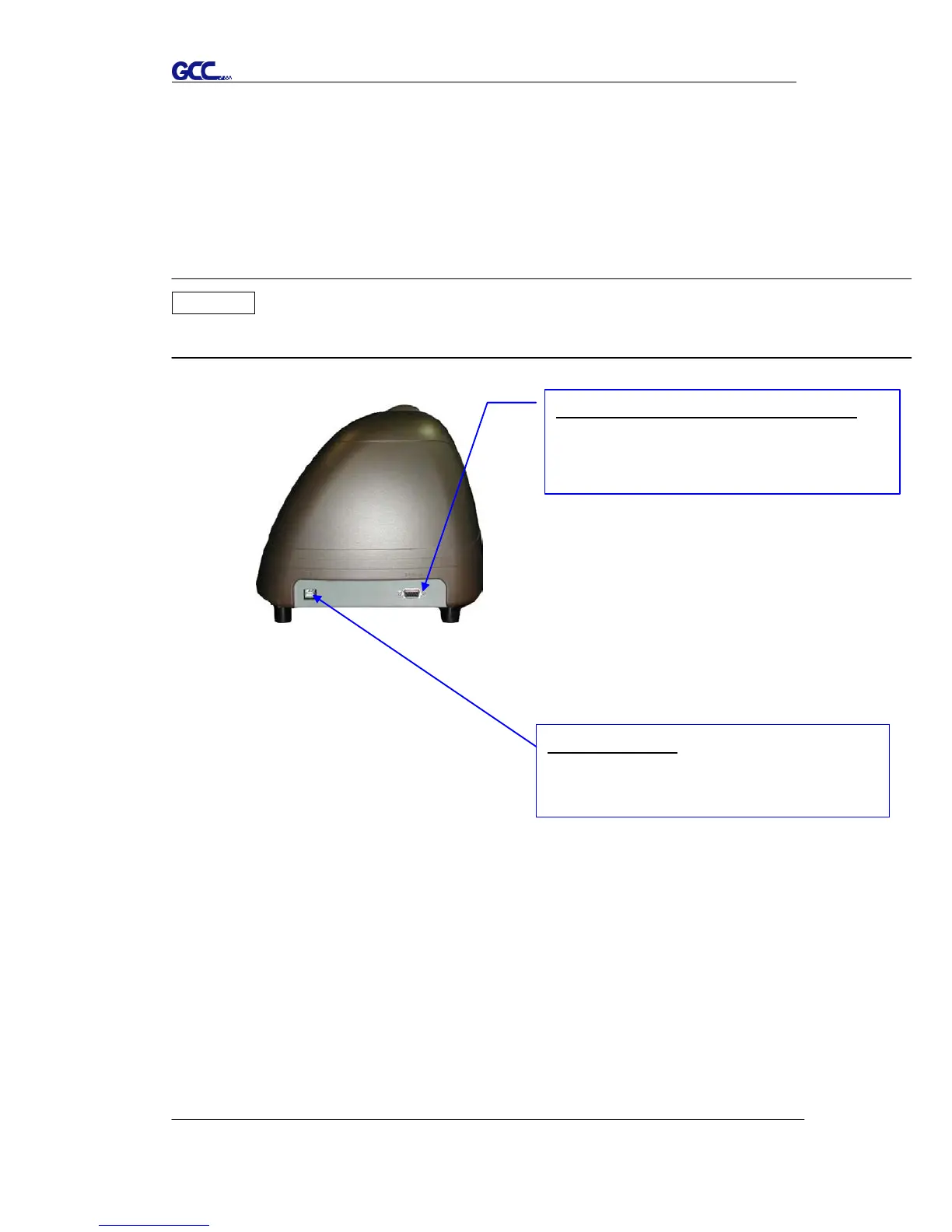
2.6 Cable Connections
Puma III communicates with a computer through USB (Universal Serial Bus),
or Serial port (RS-232C). This chapter shows you how to connect the cutting
plotter to a host computer and how to set up the computer/cutting plotter
interconnection.
!! Notice: When USB connection is enabled, serial port will be disabled
automatically.
2.6.1 USB Interface
Puma III build-in USB interface are based on the Universal Serial Bus
Specifications Revision 2.0 (Full Speed).
Serial Interface Connector (RS232C)
used to connect the cutting plotter to a
computer through a serial interface cable.
Figure 2-18
USB Connector
used to connect the cutting plotter to a
computer through a USB cable.














 To Next Page