Puma III User Manual
Illustrator Plug-In A-4
Illustrator Plug-In Instruction
AASII VBA Installer is applicable for Adobe Illustrator Version CS4, CS5, CS6, CC.
Installation
Please refer to Step 8 in Chapter 2.7.1.2 Driver Installation to install AAS plug-in for Adobe
Illustrator.
Printer Setting
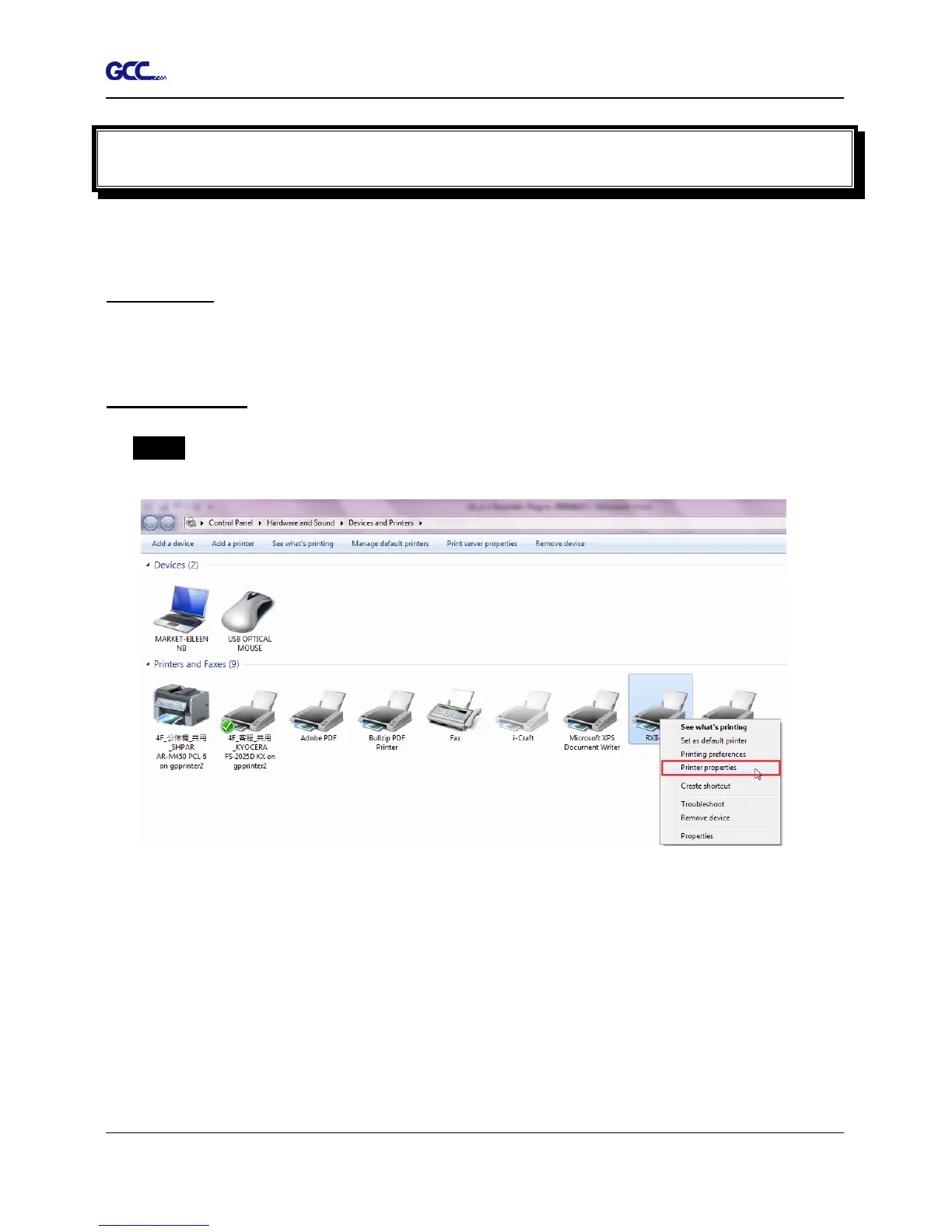
Step 1 Go to Control Panel, right click on the printer and select Printer Properties to open
the Printer Properties page














 To Next Page