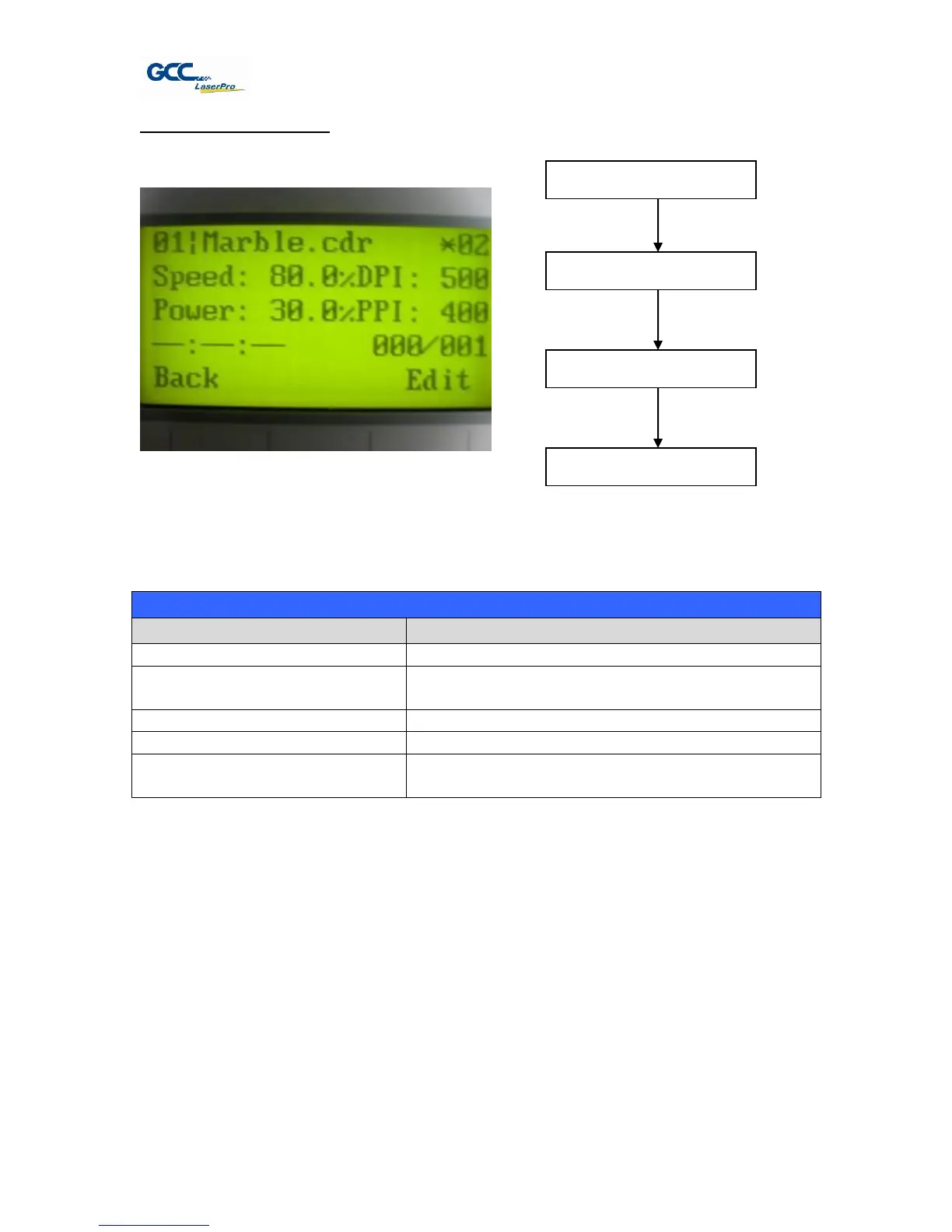
File Information Page
The File Information Page allows you to view the speed, power, DPI, and PPI settings of the
selected job. In addition, you will be able to go to the File Management Edit Page from this menu
to change raster / vector speed and power settings for the selected job.
Go to the File Management Edit Page for the
selected job
Initiate the auto focus function
▲ / ▼ Manual Focus Buttons
Manually adjust the height of the work table (Z-
axis)
☼ Navigating to this page:
Select <File Management>
from the menu
Select a job file and
press Enter



 To Next Page