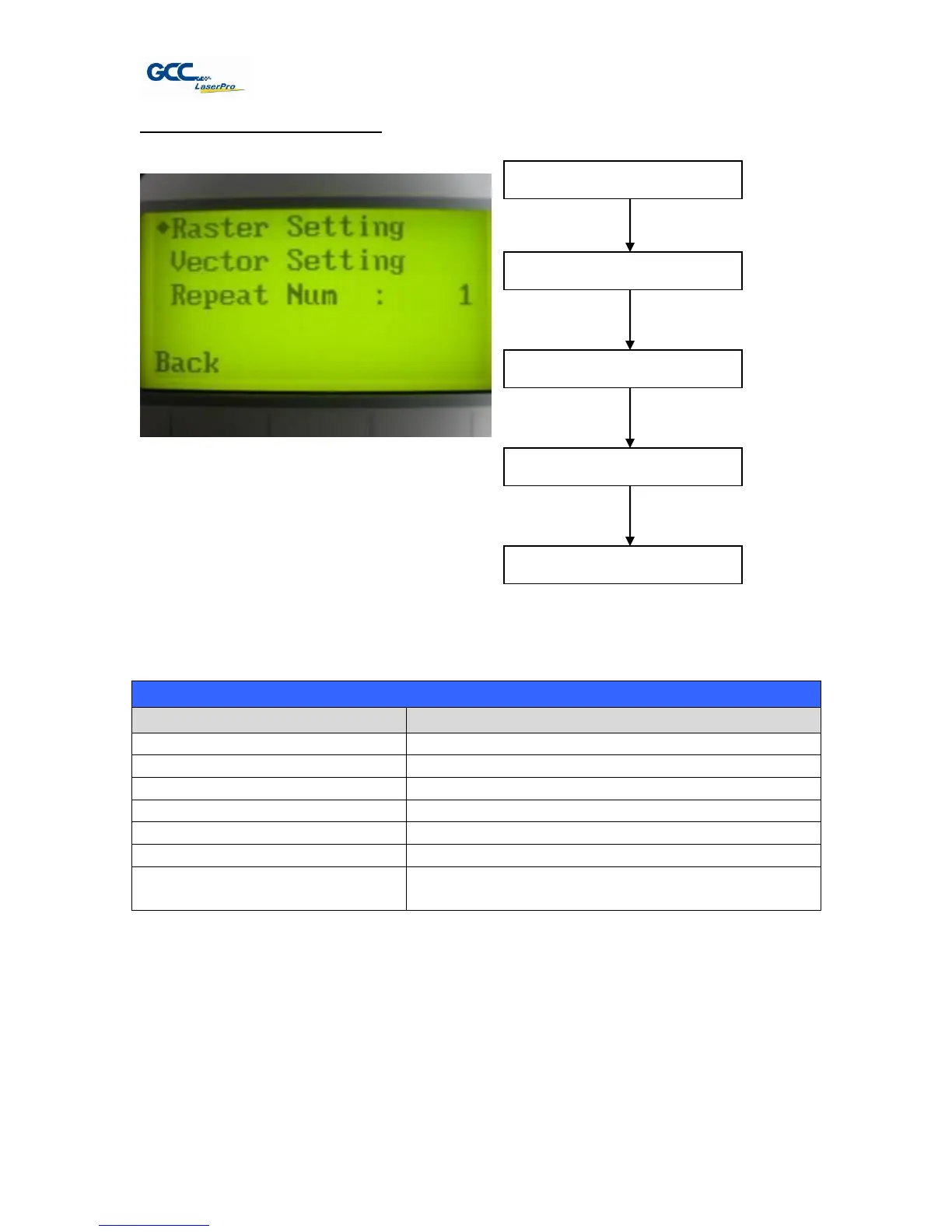
File Management Edit Page
The File Management Edit Page allows choosing to modify your raster or vector settings for the
selected job, as well as setting the number of times to repeatedly process the selected job
(Repeat Num).
File Management Edit Page
Scroll through the menu selections
Cycle through the available selections
Initiate the auto focus function
▲ / ▼ Manual Focus Buttons
Manually adjust the height of the work table (Z-
axis)
☼ Navigating to this page:
Select <File Management>
from the menu
Select a job file and
press Enter
File Management Edit Page



 To Next Page