ActionStep
4
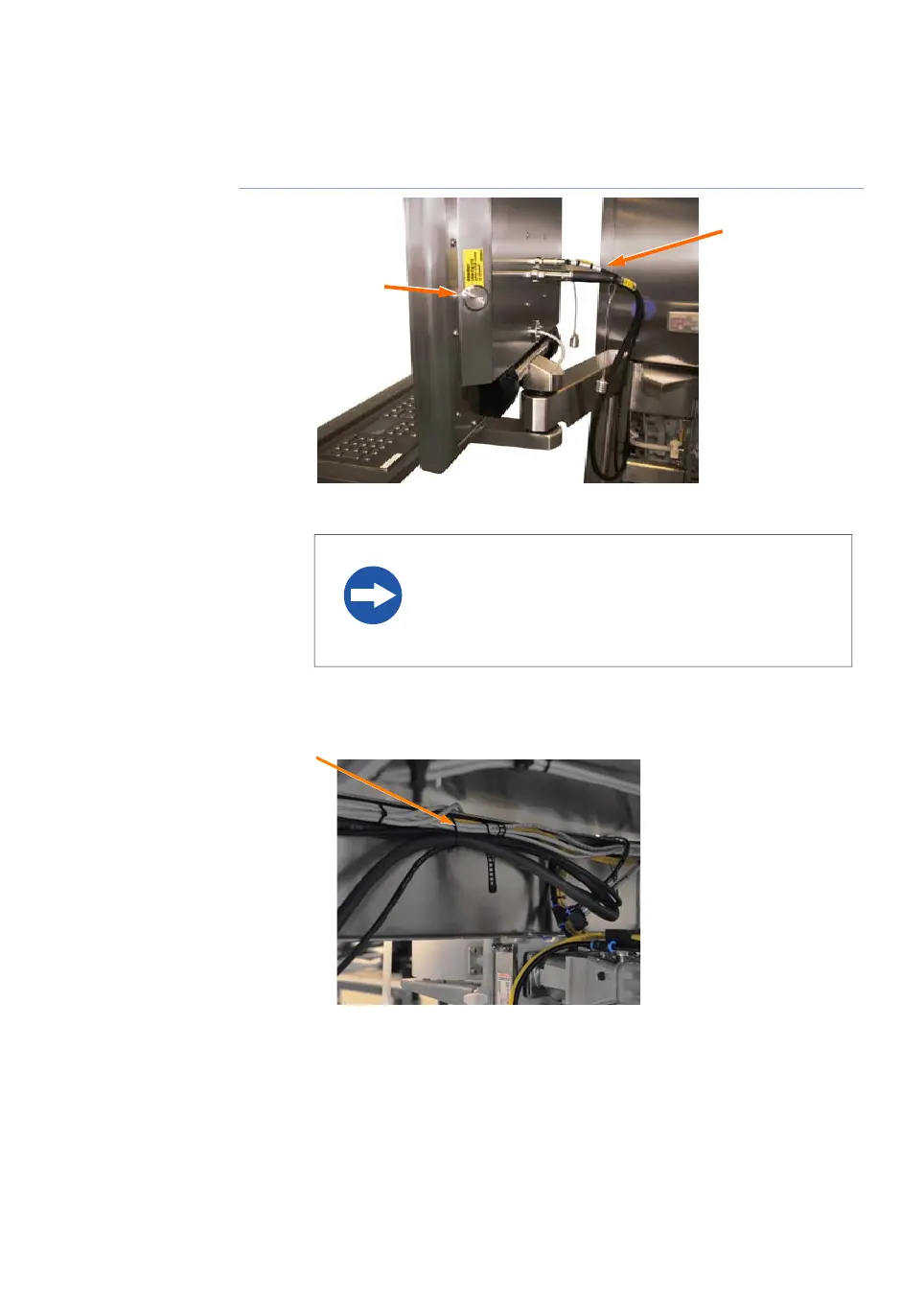
Mount the two cables (C) to the console as illustrated in the picture.
NOTICE
The protective screw cap (D) should always be in place
when the USB connector is not in use.
Fix the cables neatly together with the existing cables underneath the cabinet
using cable ties, as illustrated below.
5
ÄKTAprocess Operating Instructions 29-0252-49 AA 91
4 Installation
4.4 ÄKTAprocess Setup
4.4.1 Assembly of ÄKTAprocess



 To Next Page