CHAPTER 4: CONNECTING TO DEVICES AND NETWORKS FIBER OPTIC SERIAL CONNECTIONS
D400 SUBSTATION GATEWAY USER’S MANUAL GENERAL 57
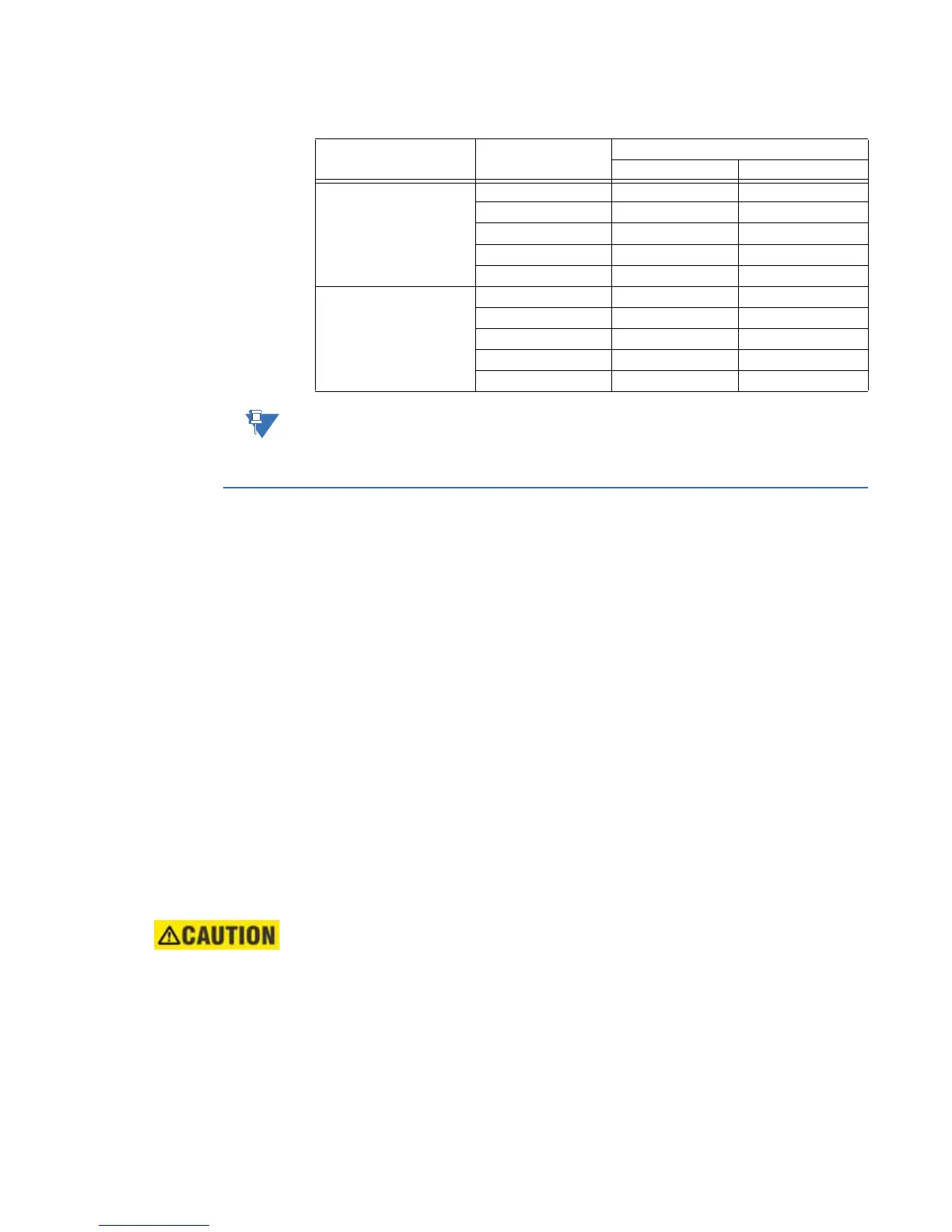
Table 12: RS-485 4-Wire Terminal Block Signal Definitions
The terminal block positions are numbered from 1 to 10 starting from the bottom of the
card.
Fiber optic serial connections
For devices located some distance from the D400, they may be connected using glass or
plastic optical fiber cables. Fiber optic cabling also offers superior performance in
electrically noisy environments.
Glass optical fiber
You can use the following glass optical fiber (GOF) cabling with the D400 Glass Optical
Fiber Serial adapter:
• 50/125 µm core/cladding multi-mode (gradient index) cable
• 62.5/125 µm core cladding multi-mode (gradient index) cable
• 100/140 µm core/cladding multi-mode (gradient index) cable
• 200 m core Hard-Clad Silica (HCS) multi-mode (step index) cable
You can use the following fiber optic terminations for D400 cabling:
• ST Connectors
When calculating cable length, consider the following optical power levels:
• Glass optical fiber transmitter power is –19.0 ± 2 dBm
• Glass optical fiber receiver sensitivity is typically –25.4 dBm
LED transmitters are classified as IEC 60825-1 Accessible Emission Limit (AEL) Class
1M. Class 1M devices are considered eye safe to the unaided eye. Do not view directly
with optical instruments.
RS-485 Channel Position Number 4-Wire (default)
Function Signal Flow
Channel 1 1 TX1+ OUT
2 TX1− OUT
3 FGND 1 Shield
4 RX1− IN
5 RX1+ IN
Channel 2 6 TX2+ OUT
7 TX2− OUT
8 FGND 2 Shield
9 RX2− IN
10 RX2+ IN



 To Next Page