5–12 MULTILINK ML3000 ETHERNET COMMUNICATIONS SWITCH – INSTRUCTION MANUAL
IP ADDRESSING CHAPTER 5: IP ADDRESSING
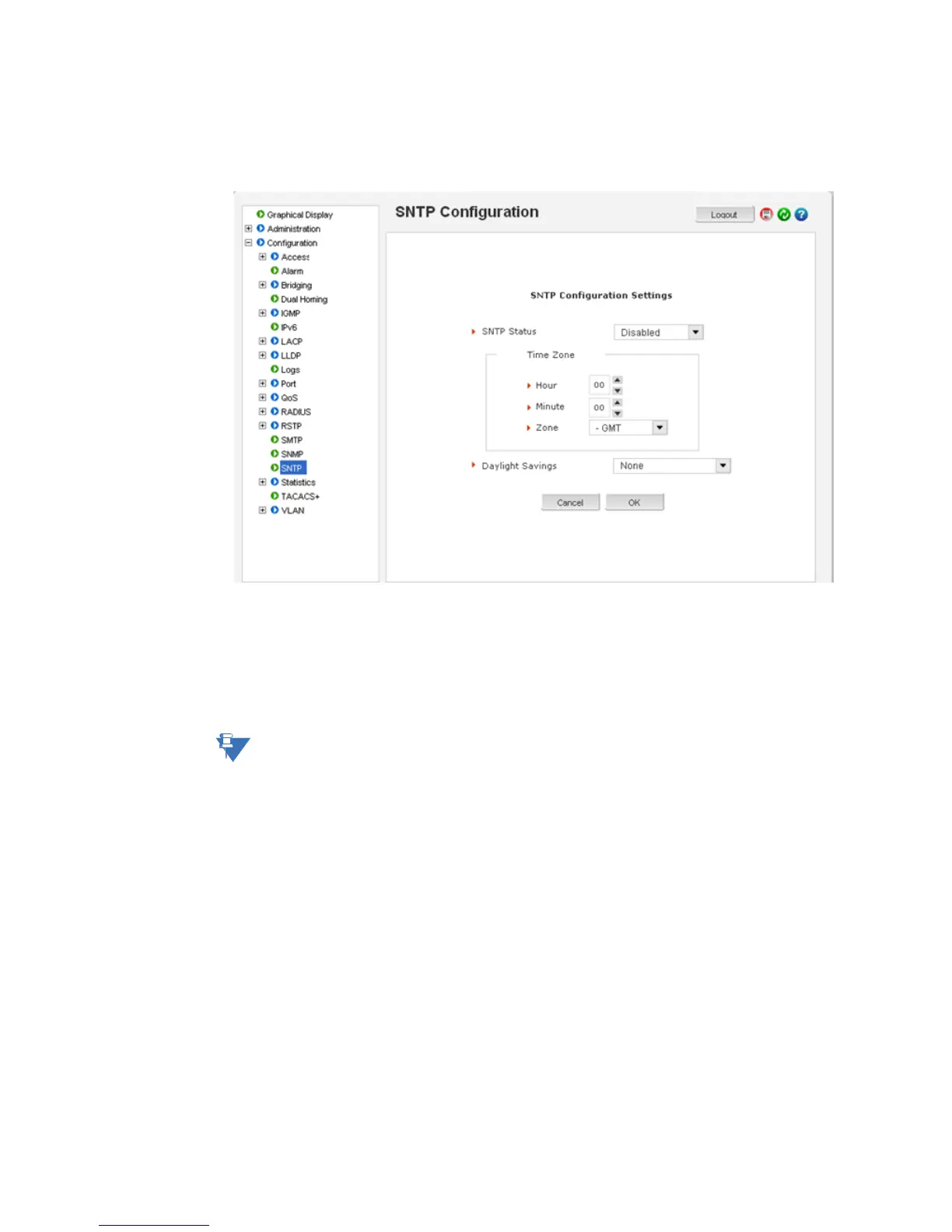
The edit button allows editing of the SNTP parameters as shown below. Adding or deleting
SNTP servers is accomplished by using the add and delete buttons. Clicking the edit button
allows the specific SNTP parameter settings to be modified.
After the proper SNTP values are entered, click OK to register the changes, or click Cancel
to back out from the changes made.
To add an SNTP server, click the add button on the Configuration > SNTP menu. The menu
prompts you to add IP address of an SNTP server, the time out in seconds and the number
of retries, before the time synchronization effort is aborted. The Sync Now button allows
synchronization as soon as the server information is added.
Note
If your site has internet access, there are several SNTP servers available online. A quick
search will yield information about these servers. You can use the IP address of these
servers; however, please ensure the server can be reached by using the
ping command.
The
ping command can also be launched from the EnerVista software.



 To Next Page