158
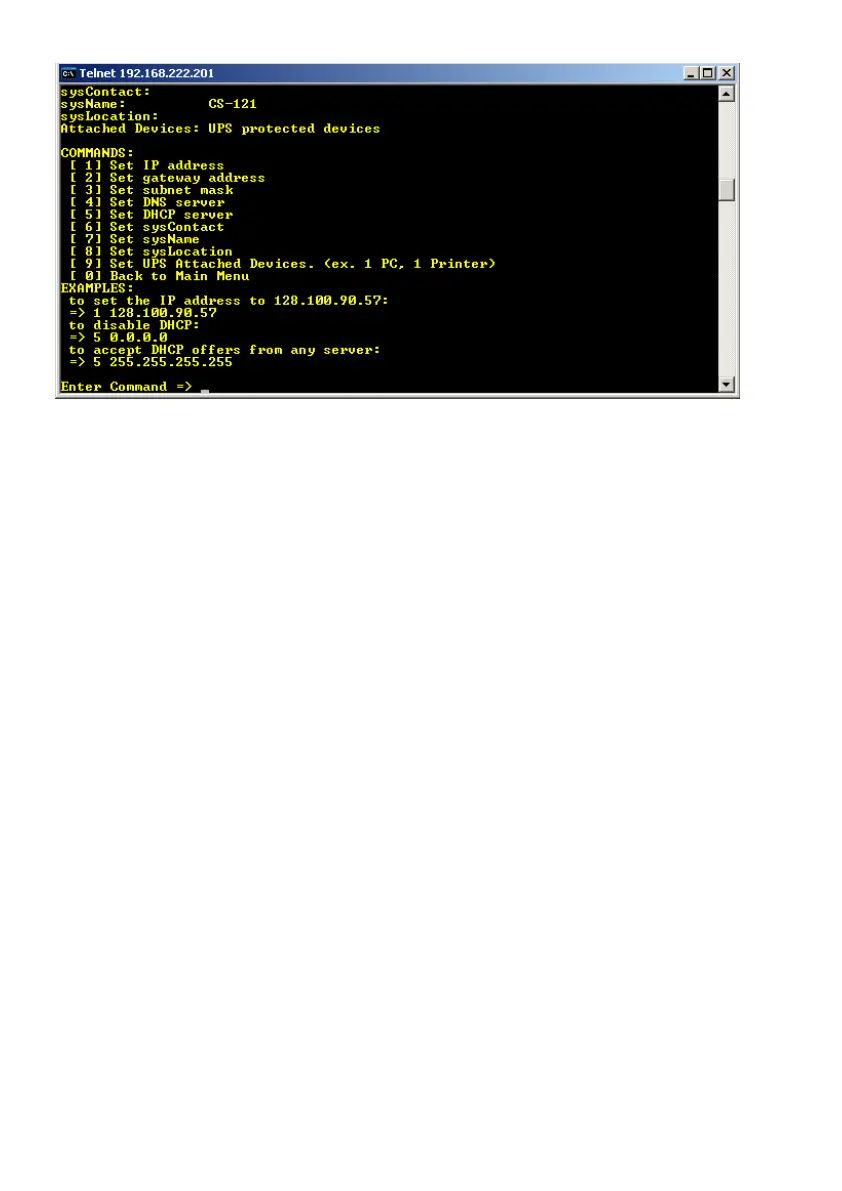
Figure 165: Telnet – DHCP Settings
Please enter the following:
5 255.255.255.255
You can enter the accordant IP address of the DHCP server, if you know it. If you want to
disable DHCP, please enter the following:
5 0.0.0.0
Exit the menu with “0” and “S”. The CS121 will work with the desired function after the reboot.
L. RARITAN Dominion PDU Configuration
In the following, we will describe, how a RARITAN PDU Type Dominion can be controlled
through any RCCMD client or any CS121 or any other RCCMD compatible device :
1. Install a RCCMD client on a Windows OS and copy/create a file, like the following, into the
RCCMD directory (default C:\Program Files\RCCMD) and use a SNMPwalk tool from an open
source with the mandatory distribution txt-file « Copying.txt ». This file is included for legal
reasons (Open Source).



 To Next Page