Rocket 4D Evaporation System
04-7848 Issue 2-4 August 2014 25
Method optimisation
To optimise the Rocket for specific applications, certain
parameters can be adjusted. See Method Edit for
instructions.
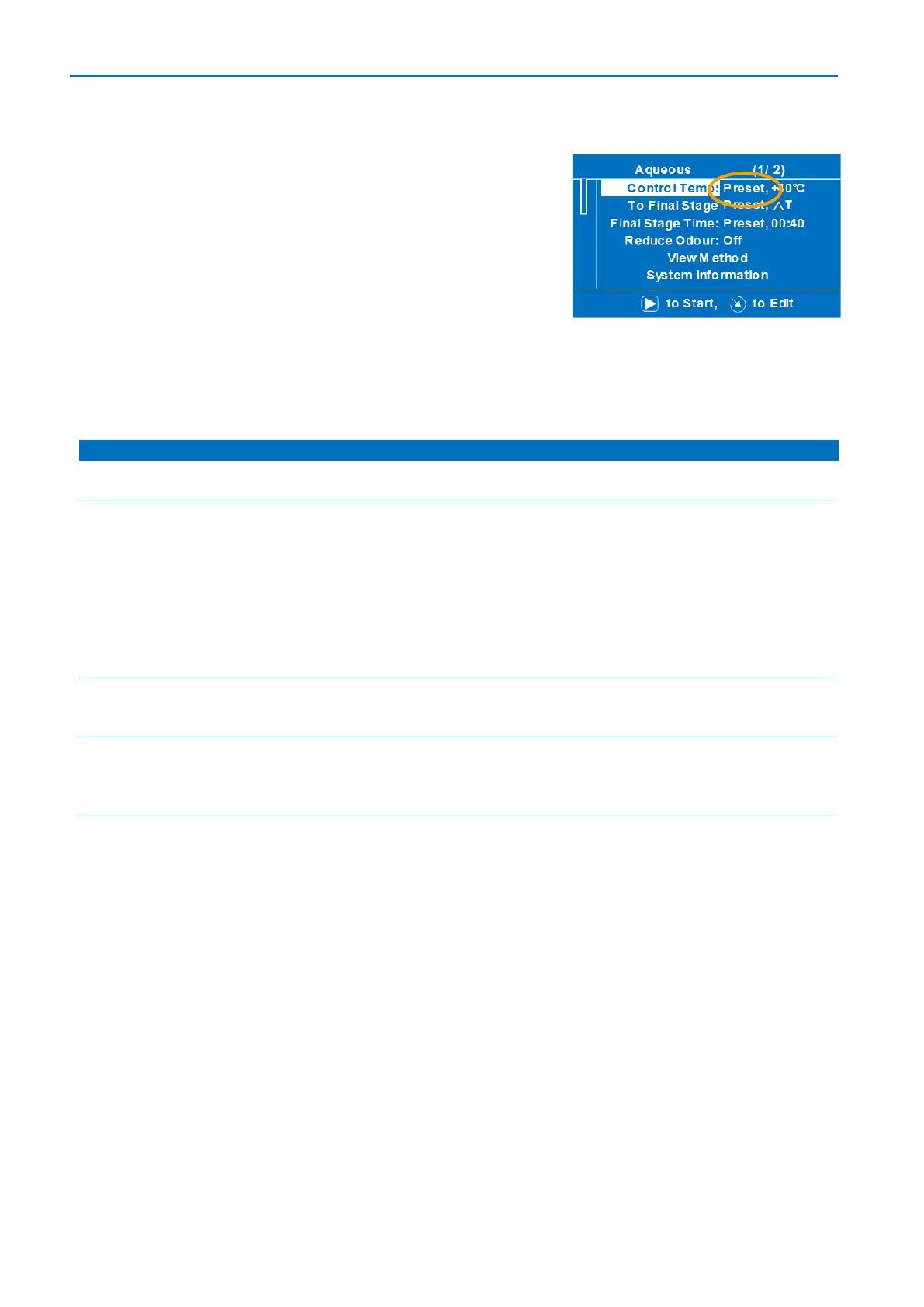
Default parameter settings are indicated in the Method
Edit menu by the word Preset on the right hand side of
the screen. If a parameter has been altered, the word
Preset disappears and the new setting is shown in the
relevant line of text.
Adjustable method parameters
Sets the maximum temperature of the evaporation vessel.
Switches between automatic detection mode and manual
entered time settings. Not applicable in Feed Mode.
Auto: system detects optimum time to stop or proceed to
next stage.
Timed: system allocates time proportionately depending on
method stages.
Note: It is not advisable to alter the pre-set values of this
parameter.
Sets the duration of a final drying stage once all liquid
solvent has been removed.
Off, 50 mbar,
100 mbar,
200 mbar
Enables a vent and vacuum cycle to purge the evaporation
vessel of residual vapours.
Note: Higher boiling point solvents require lower pressures
Enables re-dissolve process settings to be entered for:
Volume to Inject: range ~50 ml to ~5000 ml
Time to Mix: range 0 to 50 minutes
Control Temp: range No heat or 30°C to 60°C (allows heat
boost during re-dissolve)
Special methods
To further optimise the evaporator for specific applications, your local Genevac
representative is able to provide special methods; these can be installed easily via a USB
data key; for instructions, see: File Transfer.



 To Next Page