WP21 Series Operation Manual Chapter 4 Structure
16
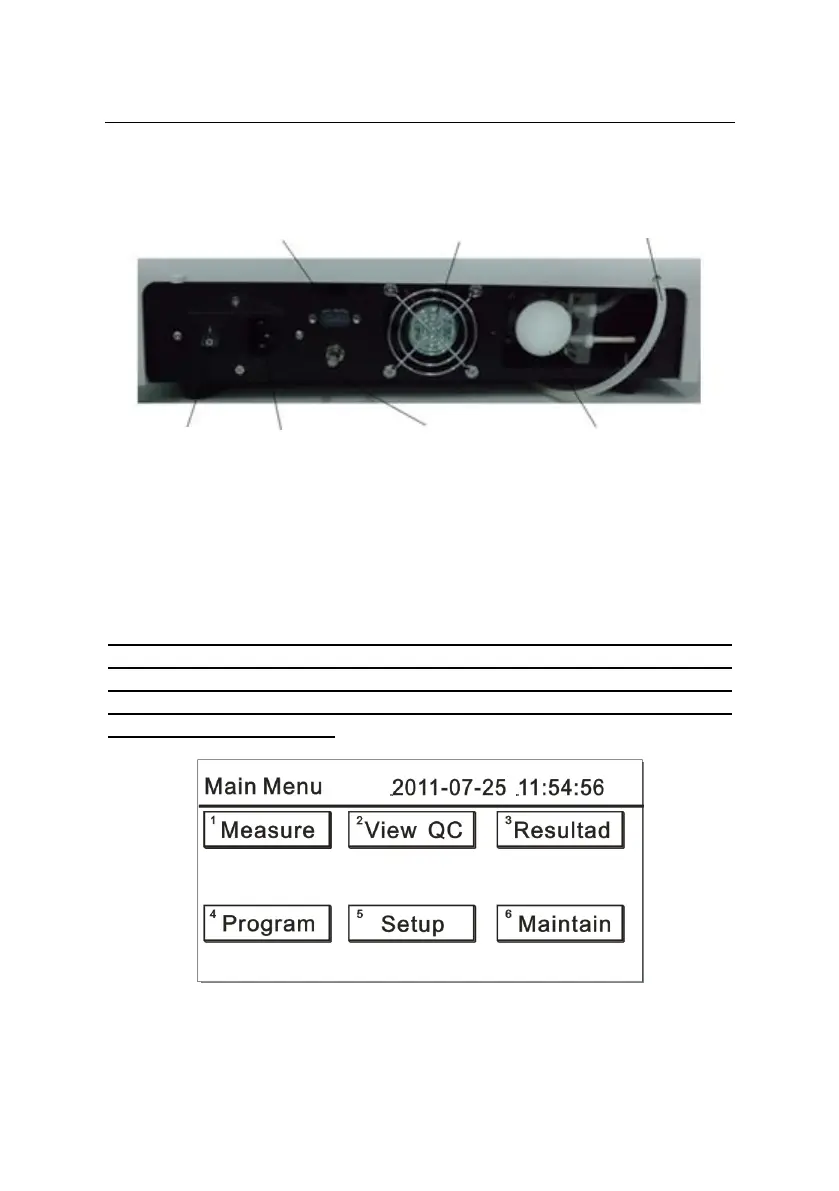
4.3 Back view of the instrument
Figure 3
4.4 Menu interface
Note: For the operations mentioned below, if you use an instrument
with a touch screen, you can click an appropriate icon or press the
corresponding number key to perform the specific operation; but if you
use an instrument without touch screen, you can only use the
appropriate number keys.



 To Next Page