WP21 Series Operation Manual Chapter 5 Routine Operation
31
c) Target value
Operation: Press the number key “1” to set the value.
5.3.7.5 Mode switching
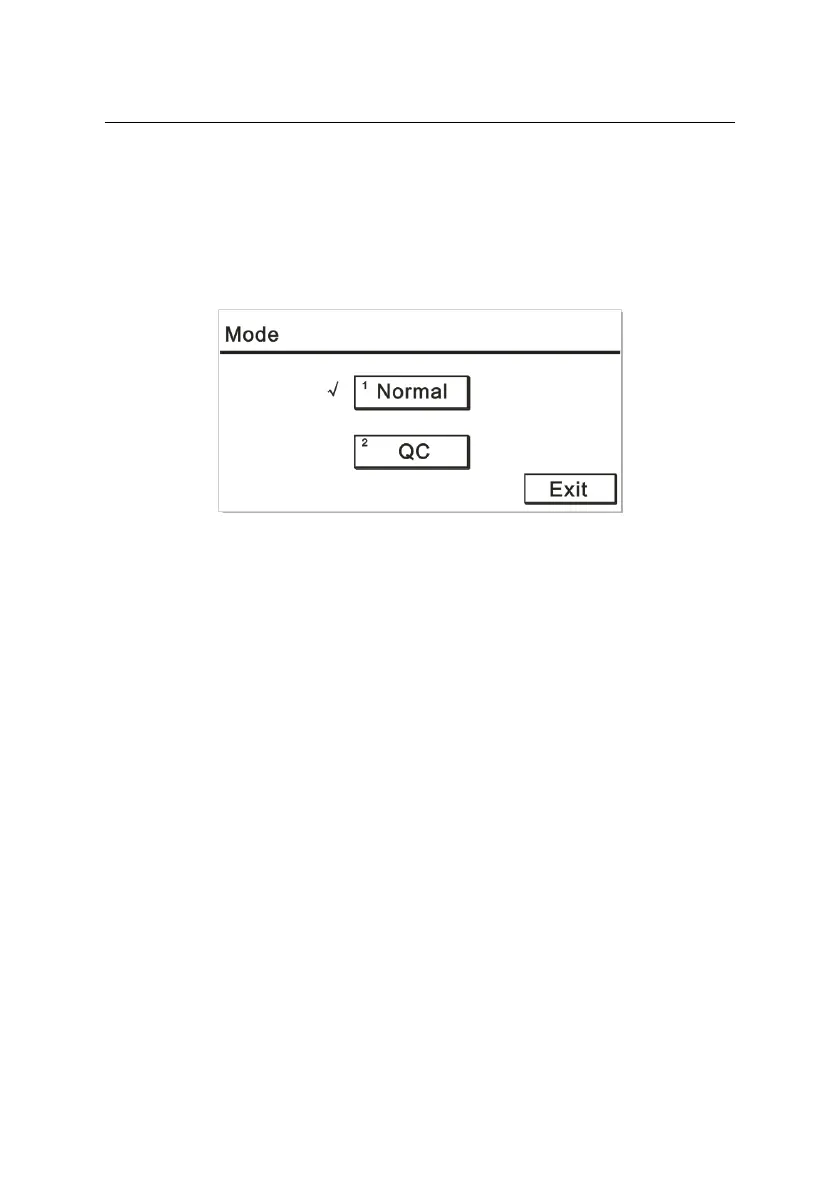
Press the number key “5” and display a screen like Figure 5-20:
Figure 5-20
Normal: The mode for measurement of patient samples.
QC: The mode for measurement of QC.
Exit: Press “Exit” key to return to the measurement interface.
5.3.8 Search
Press the number key “3” to search the “QC Review” or “Result
Review” menu. See details in 6.1 or 6.2.3.
5.4 Testing examples
I. GPT/ALT determination by kinetic method
1) Set the following parameters of this item in the “Program” menu
according to the reagent instruction:
Name: GPT/ALT Method: Kinetic method
Number of wavelengths: 1



 To Next Page