WP21 Series Operation Manual Chapter 6 Software Operation
53
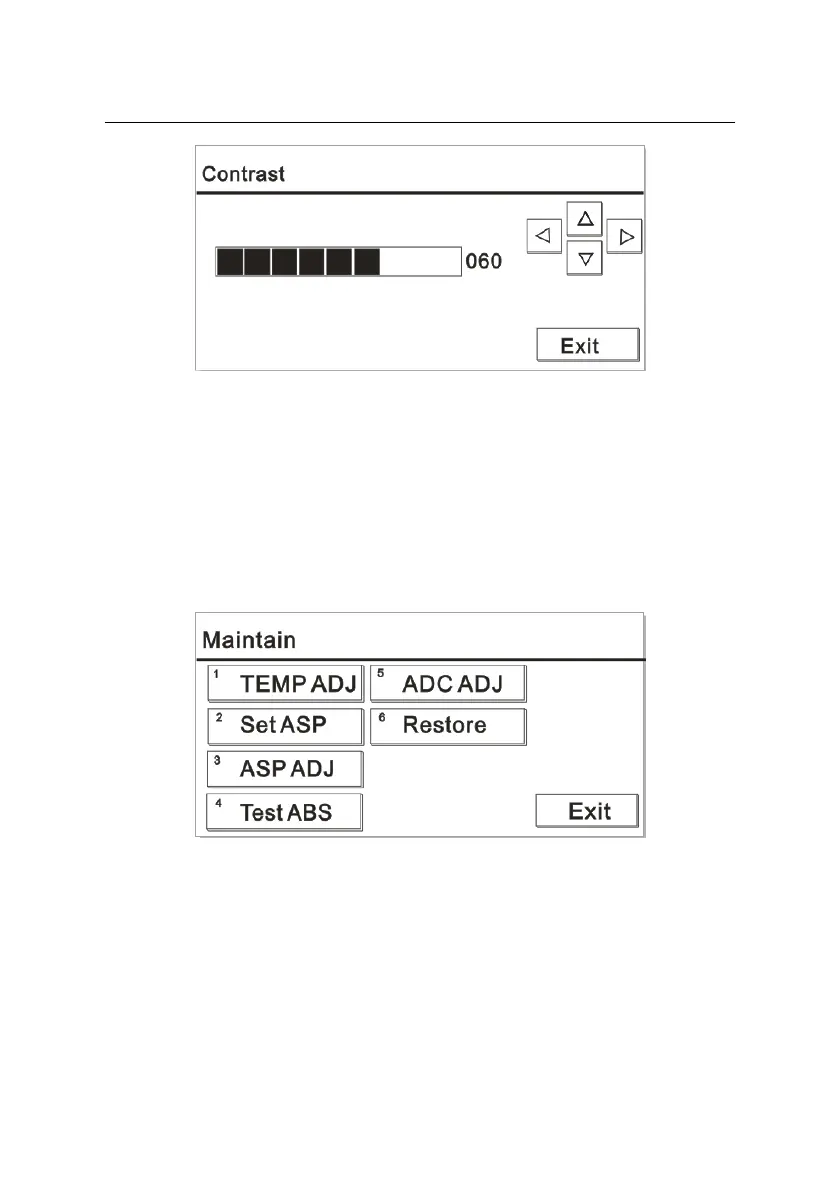
Figure 6-19
Adjust the backlight as needed by pressing the up, down, left and right
keys on the keyboard.
6.5 System maintenance
Press the number key “6” on the main interface to open the “Maintain”
window. The screen is displayed as Figure 6-20:
Figure 6-20
6.5.1 Temperature adjustment
In the “Maintain” interface, press “1” to open the “TEMP ADJ” window.
The screen is displayed as Figure 6-21:



 To Next Page