WP21 Series Operation Manual Chapter 5 Routine Operation
27
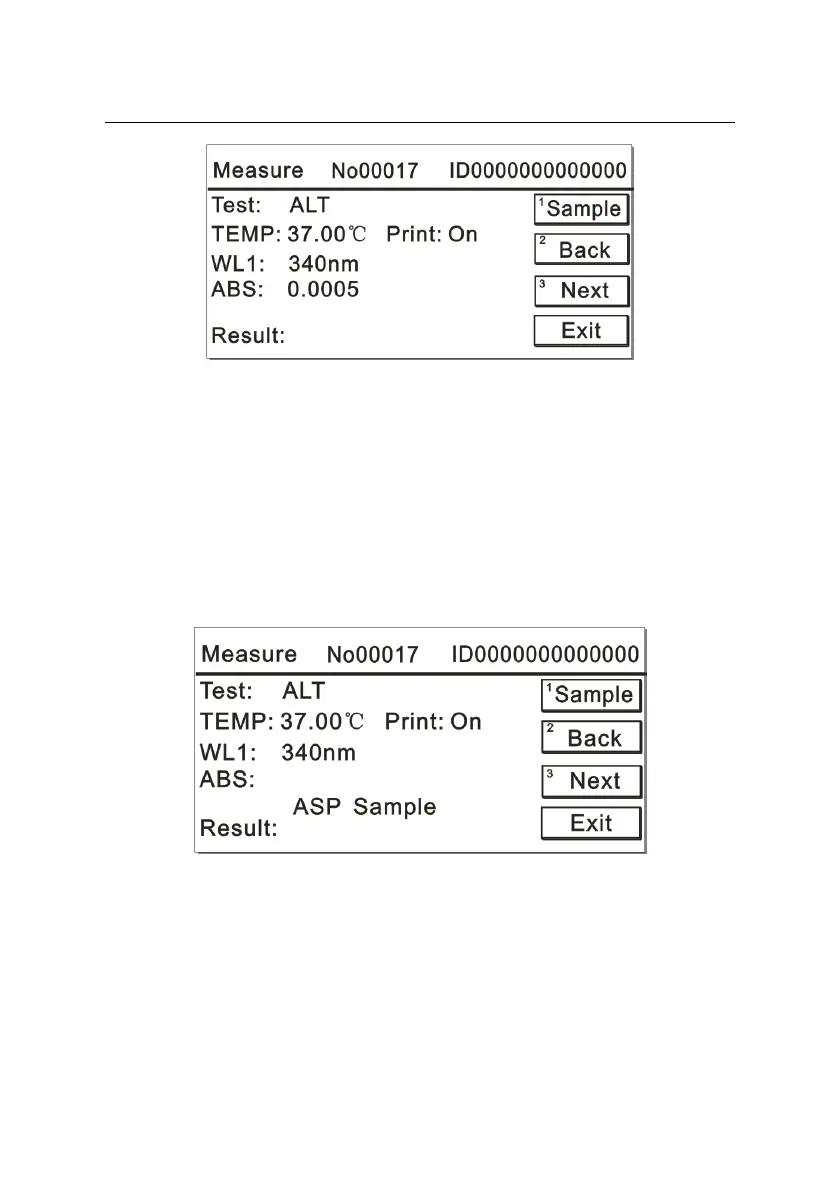
Figure 5-13
5.3.5 Aspirating sample solution
If the analyzer has tested the blank and standard solutions for this item,
then after measurement of the sample solution, the system will directly
enter into the testing interface for next sample, as illustrated in Figure
5-14. If this item is tested for the first time and its blank and standard
have been defined, then the blank and standard testing should be
performed before sample measurement.
Figure 5-14
After placing the sample solution onto the analyzer, press the number
key “1”, the instrument will begin to aspirate the sample solution. After
the test, the absorbance value of the sample solution will display on the
screen and prompts you to remove the sample solution. The test
results are displayed as shown in Figure 5-15, meanwhile, the system



 To Next Page