WP21 Series Operation Manual Chapter 6 Software Operation
39
6.2.1.5 Blood group
Operation: Use left and right cursor keys to choose
Options: (None), A, B, AB, O, RH+, RH-
6.2.2 To add results
Some test items must be completed by other instruments, but the
results should be stored or printed with those obtained in this analyzer.
At this time, you can use this function. However, you must define the
item first.
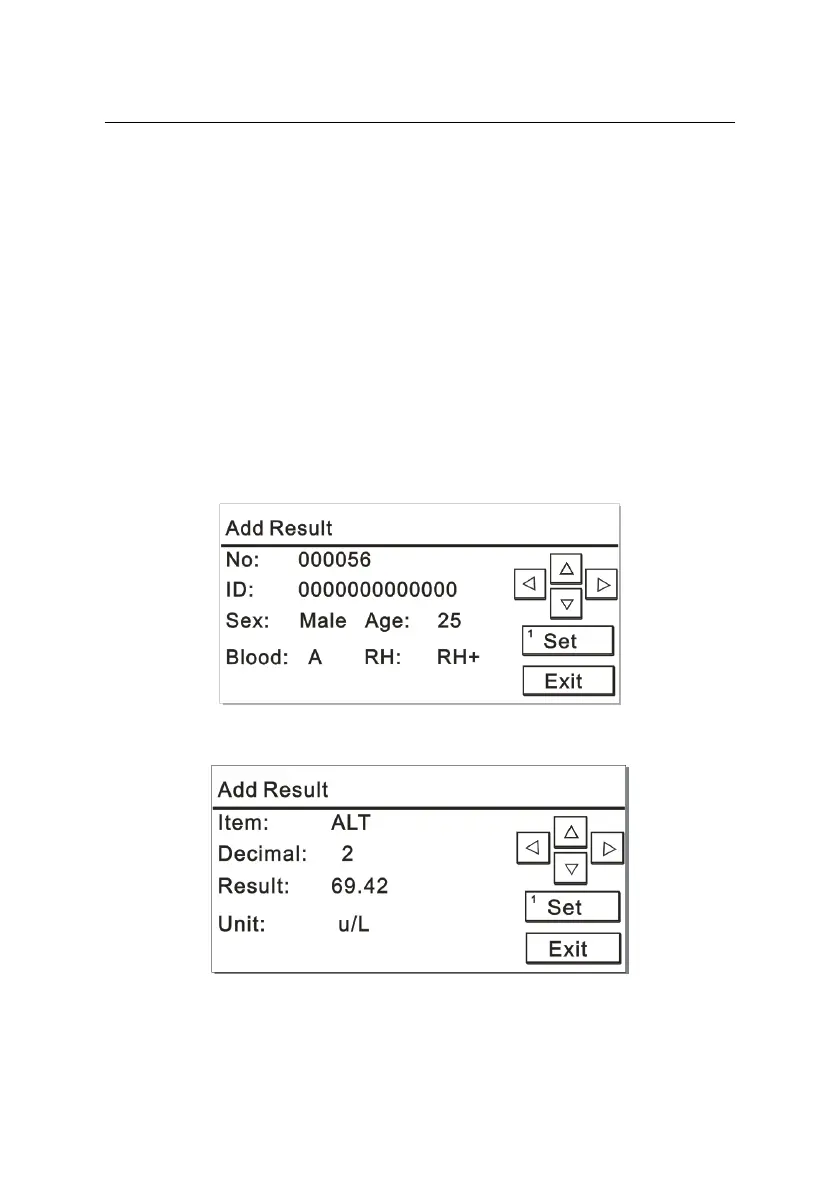
Press the number key “2” on the “Result Review” interface to add
results. The screens are displayed as Figures 6-6.1 and 6-6.2:
Figure 6-6.1
Figure 6-6.2



 To Next Page