WP21 Series Operation Manual Chapter 6 Software Operation
59
6.5.6 Restoration setting
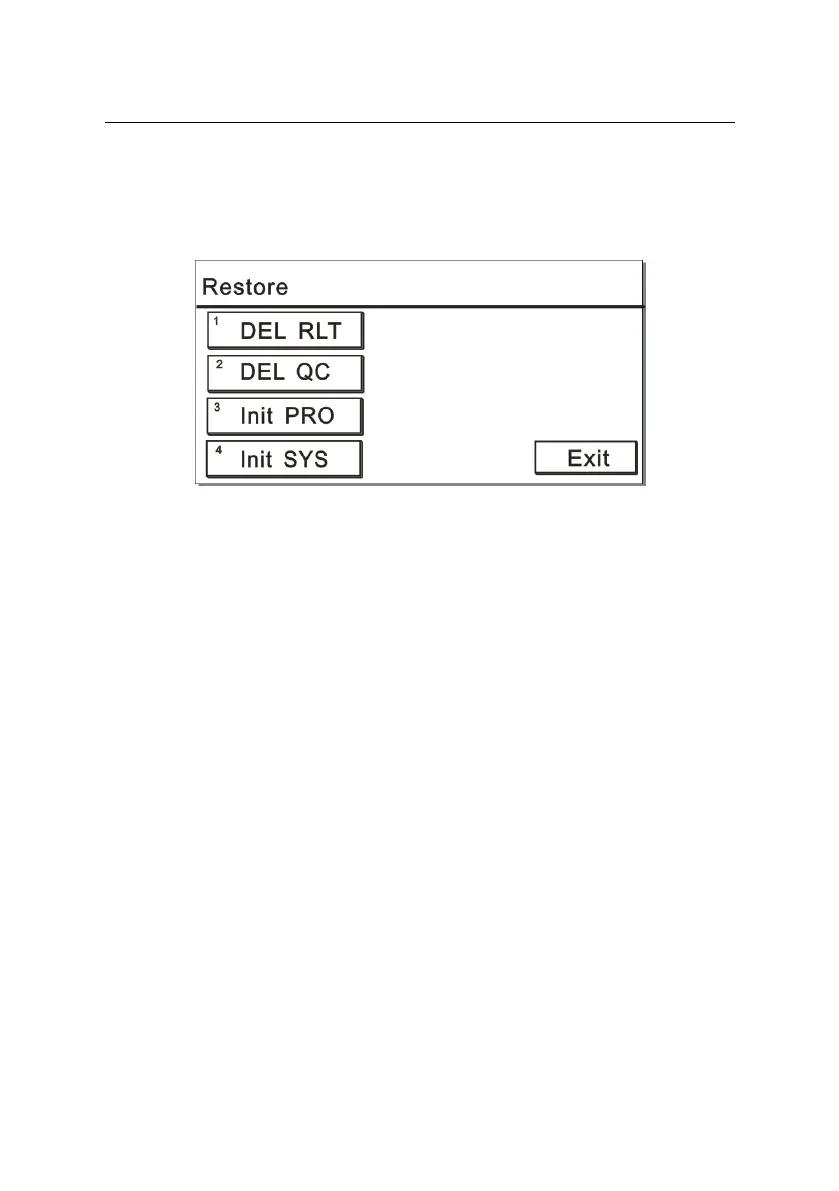
In the “Maintain” interface, press “6” to open the “Restore” window. The
screen is displayed as Figure 6-26:
Figure 6-26
1) To delete results
Press “1” to delete all the patient results stored in the instrument.
2) To delete QC
Press “2” to delete all the QC results stored in the instrument.
3) To initialize items
Press “3” to initialize the parameter settings of all the built-in items in
the instrument.
4) To initialize system settings
Press “4” to initialize the built-in parameter settings in the instrument,
such as print settings, COM, contrast and aspiration volume.



 To Next Page