WP21 Series Operation Manual Chapter 5 Routine Operation
29
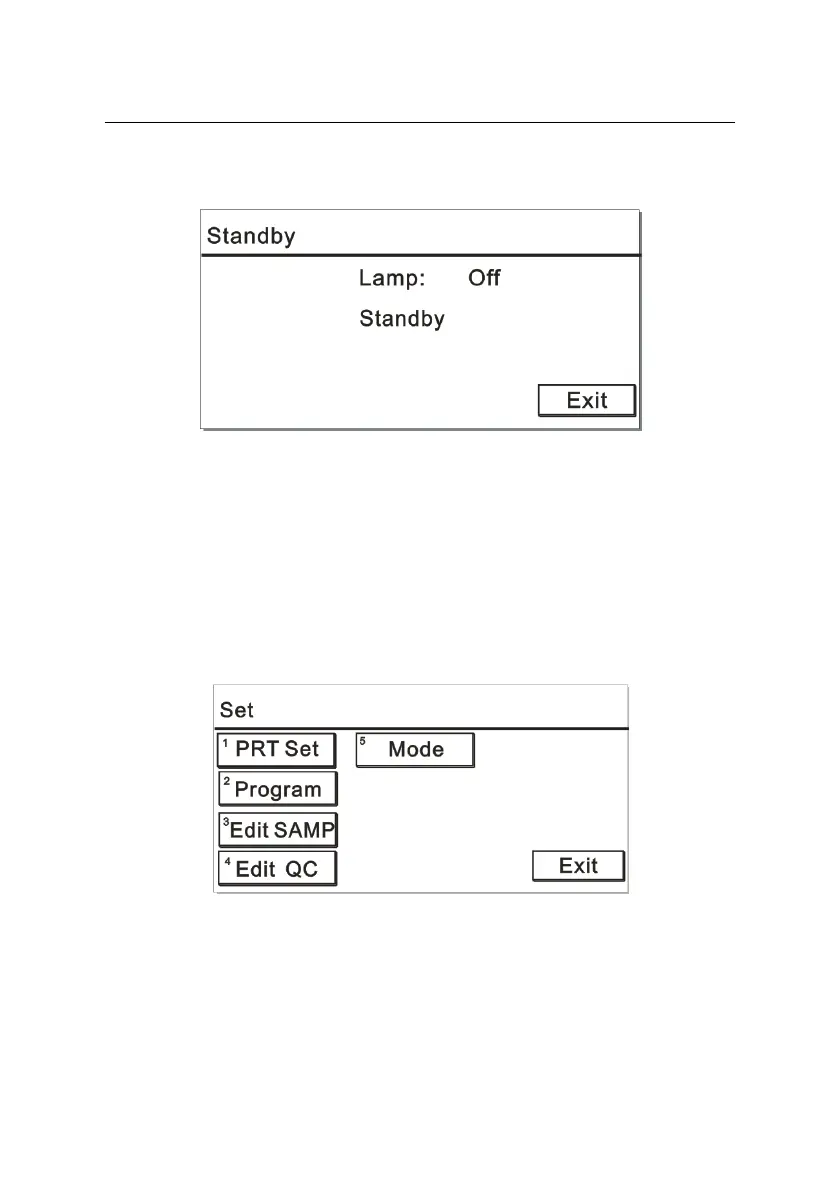
displayed as shown in Figure 5-17. Ten minutes later, the monitor
backlight will shut down.
Figure 5-17
Press any key on the standby interface to return to the last interface
before standby.
5.3.7 Setup
In the “Measure” menu, choose an item, after heating, you can set this
parameter. Press “Set” or the number key “2” on the keypad, the
screen is displayed as Figure 5-18:
Figure 5-18
In this interface, you can set the printing, edit a test item, sample or QC
and switch between different modes.
5.3.7.1 Printing setup



 To Next Page