WP21 Series Operation Manual Chapter 6 Software Operation
37
Press the number key “1” to change the target value.
Press the number key “2” to print the statistical results.
Press “Exit” to return to the previous interface.
6.2 Result review
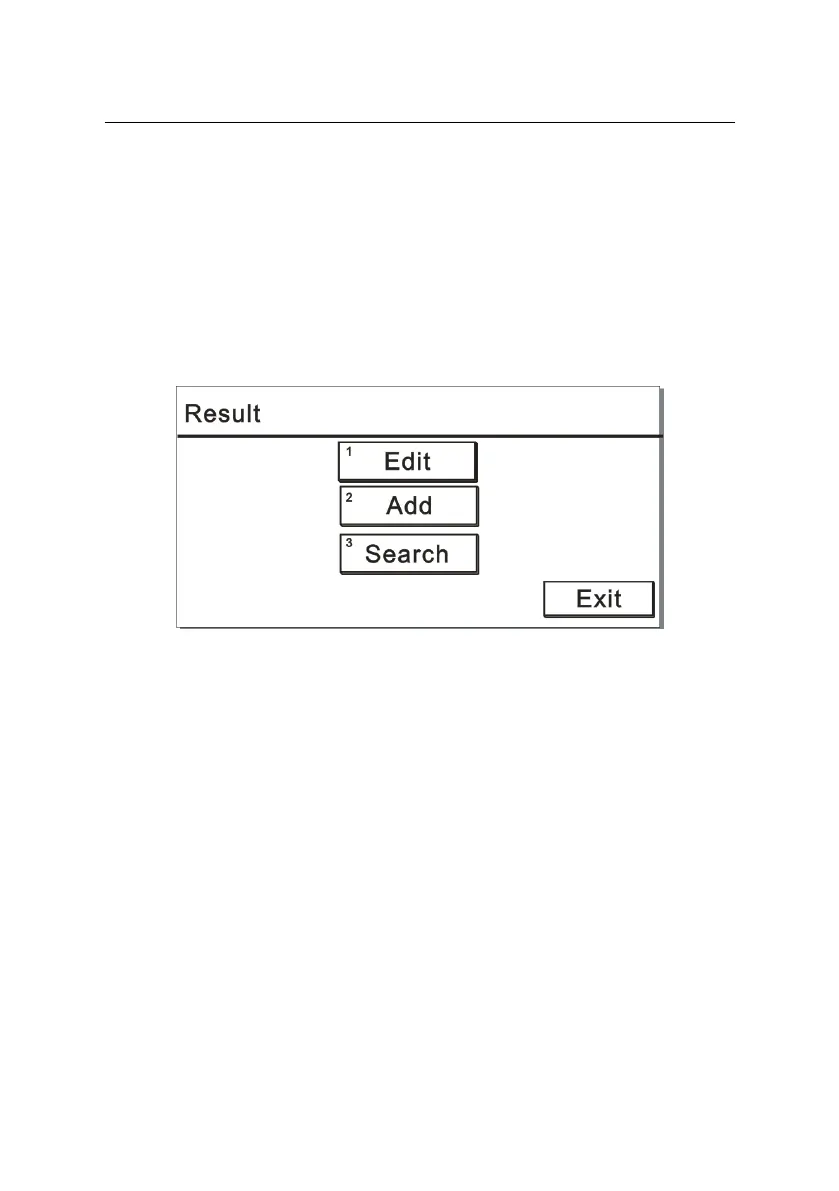
Press the number key “3” on the main menu and display a screen
like Figure 6-4:
Figure 6-4
6.2.1 To edit samples
Press the number key “1” on the “Result” interface to display a screen
like Figure 6-5:



 To Next Page