WP21 Series Operation Manual Chapter 6 Software Operation
35
Chapter 6 Software Operation
6.1 QC review
Quality controls are used to examine and control the instrument
precision during assay, monitor the changes of stability, improve the
result consistency for inter- and intra-batch samples during routine
assay, and thus finally ensure the reliability of test results for every
patient sample.
To complete a QC, a kind of QC material should be measured in the
“Measure Samples” interface. After obtaining more than five groups of
results for a single QC number under the same test item, a QC
statistical report for this QC number under the test item can be made.
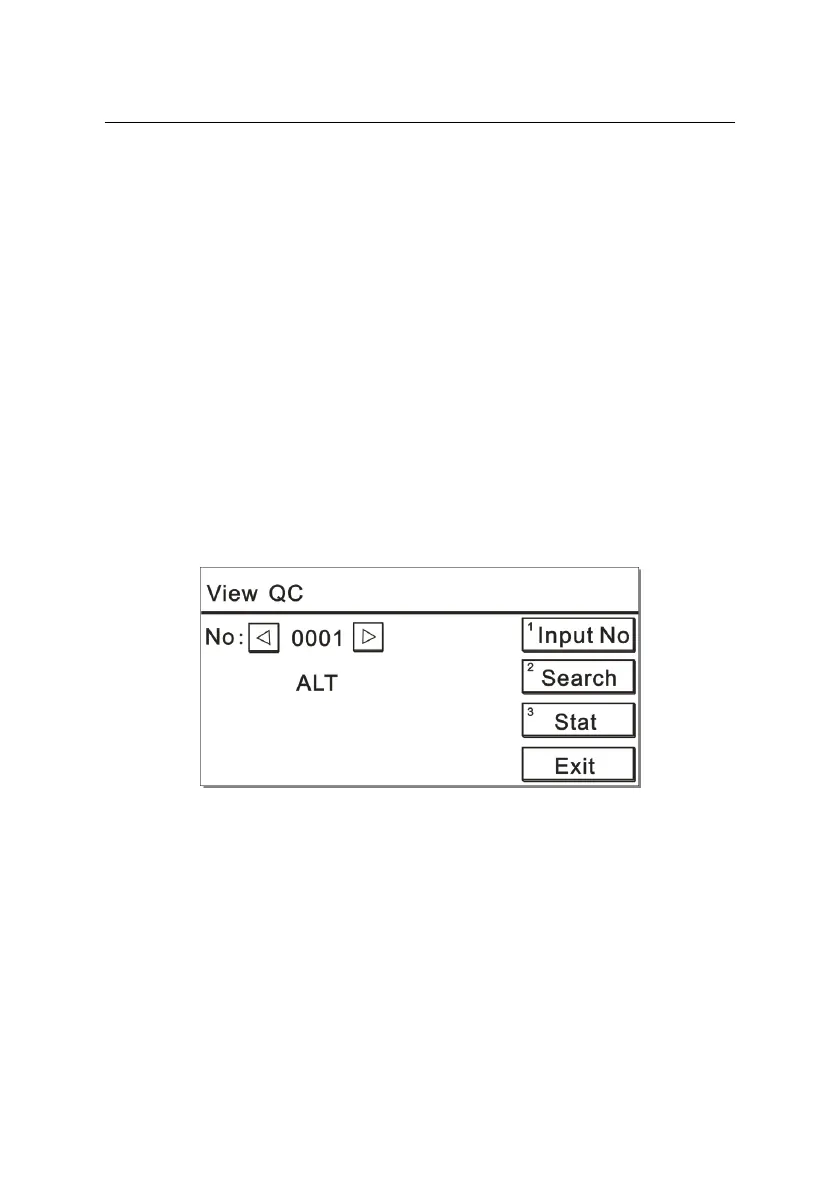
Press the number key “2” on the main menu and display a screen like
Figure 6-1:
Figure 6-1
a) To input a QC number
Set a QC number by searching with left and right cursor keys or
pressing the number key “1”.
b) To search results
Press the number key “2” to view the QC results. The screen is



 To Next Page