WP21 Series Operation Manual Chapter 5 Routine Operation
26
Figure 5-11
5.3.4 Aspirating standard solution
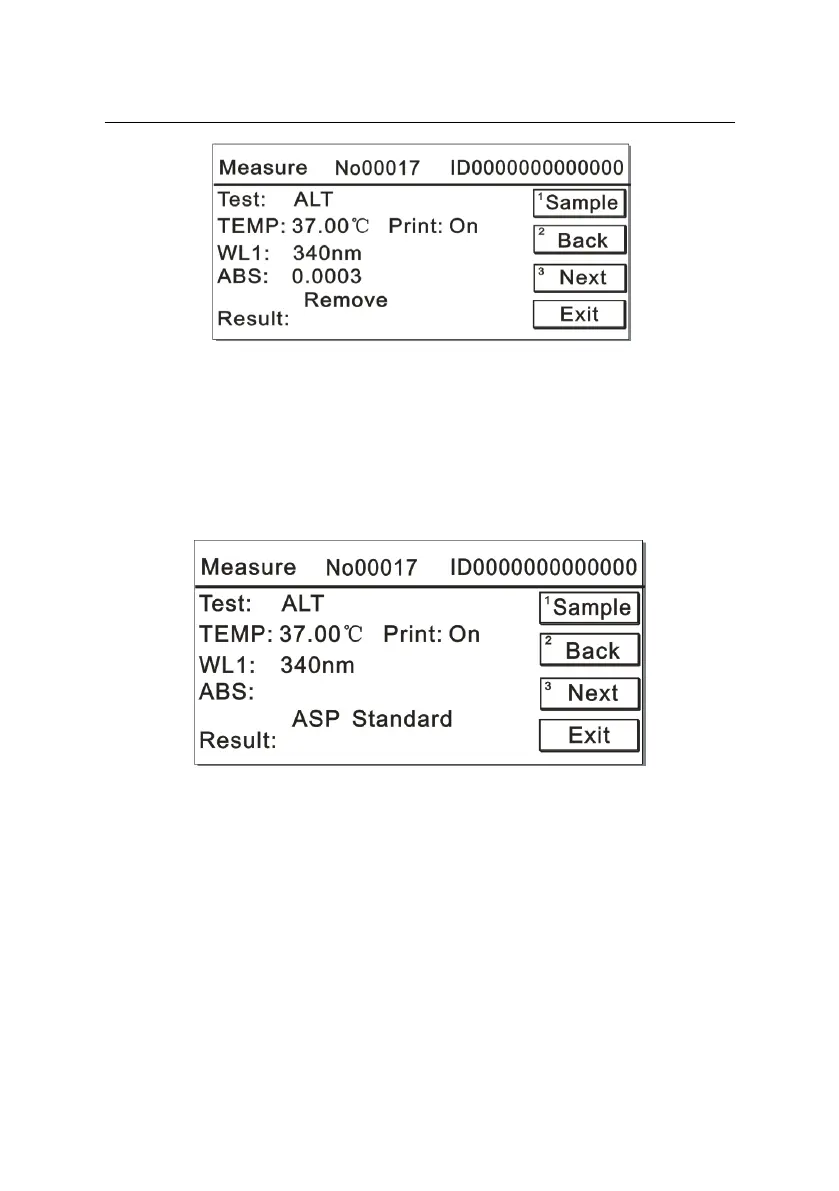
When the system enters the “Aspirate Standard Solution” interface, if
there is only one calibrator value, the screen is displayed as Figure
5-12:
Figure 5-12
After placing the standard solution onto the analyzer, press the number
key “1”, the instrument will begin to aspirate the standard solution. After
the test, the absorbance value of the standard solution will display on
the screen and prompts you to remove the standard solution. The
screen is displayed as Figure 5-13:



 To Next Page