WP21 Series Operation Manual Chapter 6 Software Operation
50
6.4 System setup
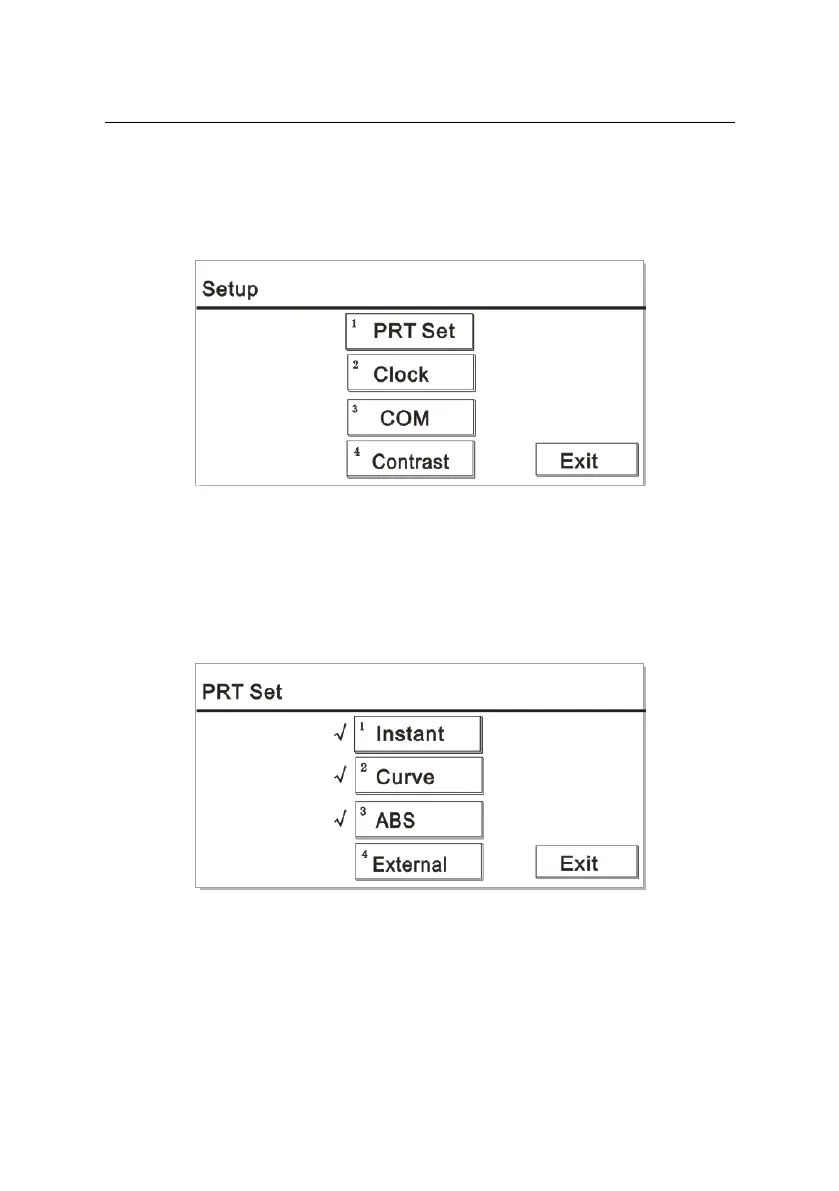
Press the number key “5” on the main interface to enter the system
setup interface. The screen is displayed as Figure 6-15:
Figure 6-15
6.4.1 Printing setup
Press the number key “1” on the “Setup” interface to display a screen
like Figure 6-16:
Figure 6-16
Press “1” to select or cancel this option. When the option is checked,
the instrument will automatically print the result report after measuring
a patient’s sample.



 To Next Page