WP21 Series Operation Manual Chapter 6 Software Operation
38
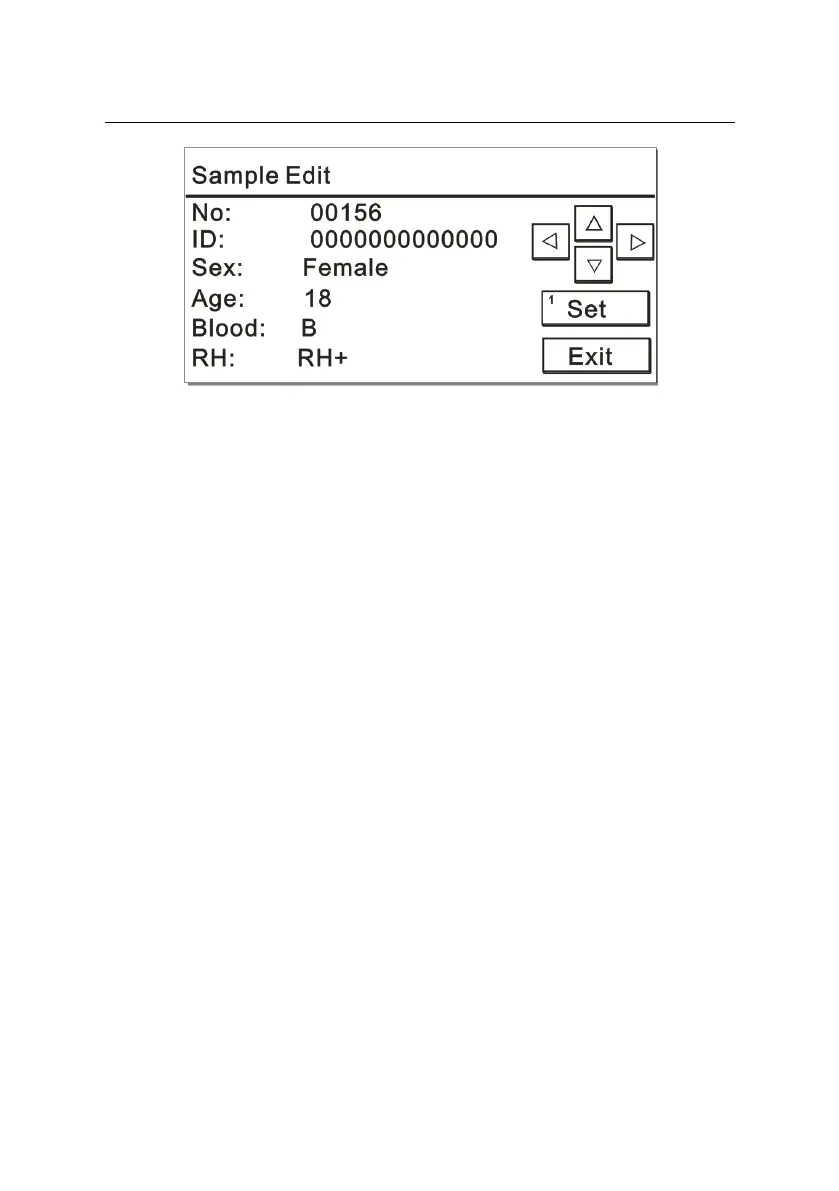
Figure 6-5
You can edit the information about patient samples on the sample
editing interface, and the specific operations are described as follows:
6.2.1.1 No.
If you need to measure another test item for the same patient, change
the current “No.” to the original “No.” of this patient.
6.2.1.2 ID
The ID number can be freely revised in the range of
1~99999999999999, but repetition is not allowable. If you do not
change it, the default value is 0, which means no increase will occur.
6.2.1.3 Sex
Operation: Use left and right cursor keys to choose
Options: -- (None), Male, Female, Child, Infant, Newborn
6.2.1.4 Age
Operation: Press the number key “1” to set the value.



 To Next Page