WP21 Series Operation Manual Chapter 5 Routine Operation
21
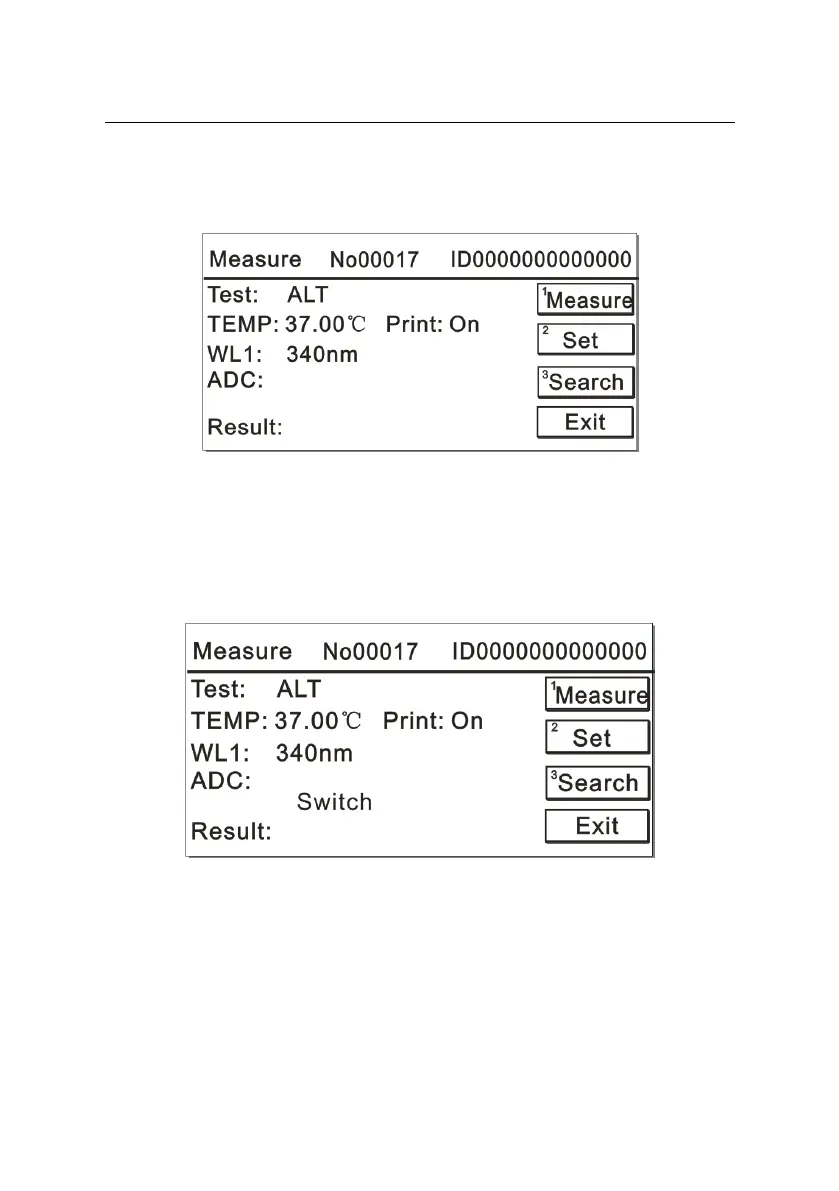
After the light-source lamp becomes stable, the system will open the
measurement interface, or you can press “Skip” to skip the preheating
step and enter the measurement interface, as illustrated in Figure 5-3:
Figure 5-3
First, by pressing the number key “1”, the system will automatically
switch to the corresponding filter and test the original value of the
measurement channel without illumination (dark-current value), as
illustrated in Figure 5-4:
Figure 5-4



 To Next Page