WP21 Series Operation Manual Chapter 6 Software Operation
42
3) Printing
Operation: Press the number key “1” to print all the results of the
currently displayed “No.”.
4) Searching
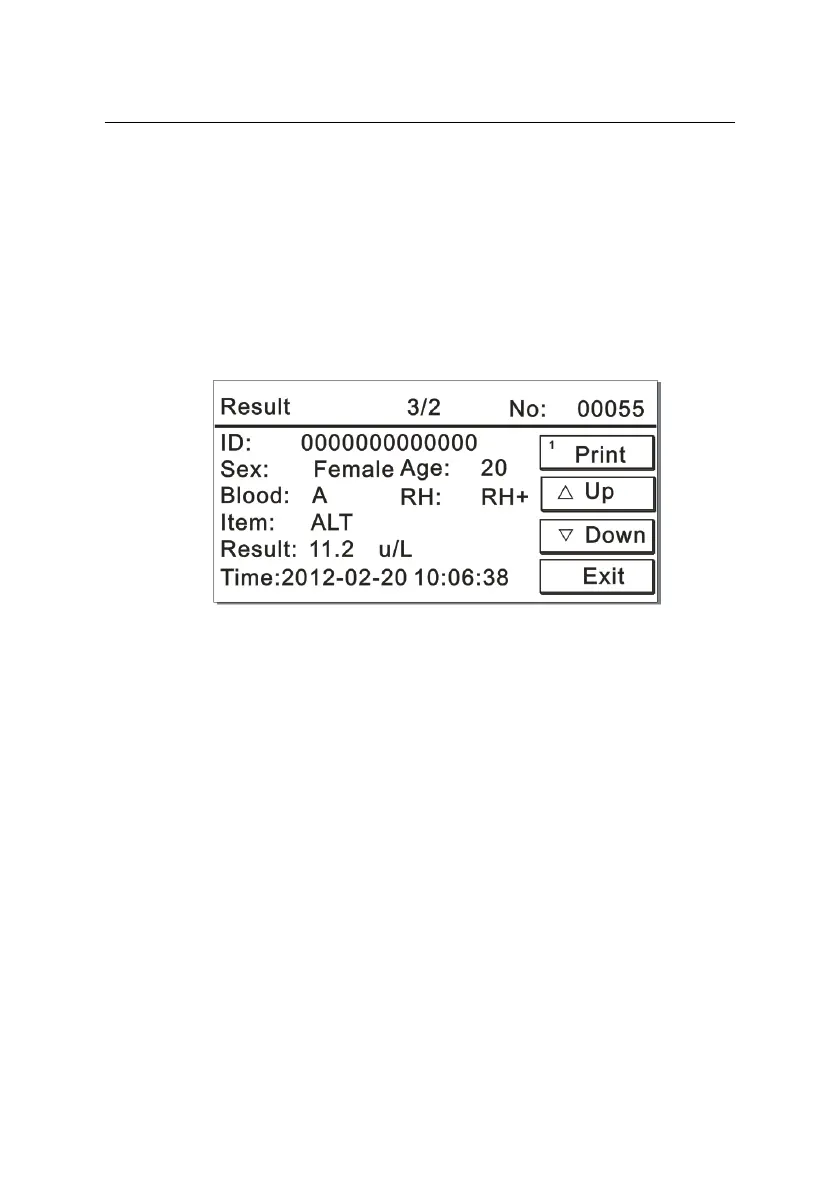
Operation: Press the number key “2” to view all the results of the
currently displayed sample number. The screen is displayed as
Figure 6-8:
Figure 6-8
Press the number key “1” to print all the current results; press “Up”
or “Down” to view the last or next result.
5) Exit
Return to the previous interface.



 To Next Page